Camera shows "Offline" after reboot
Symptom
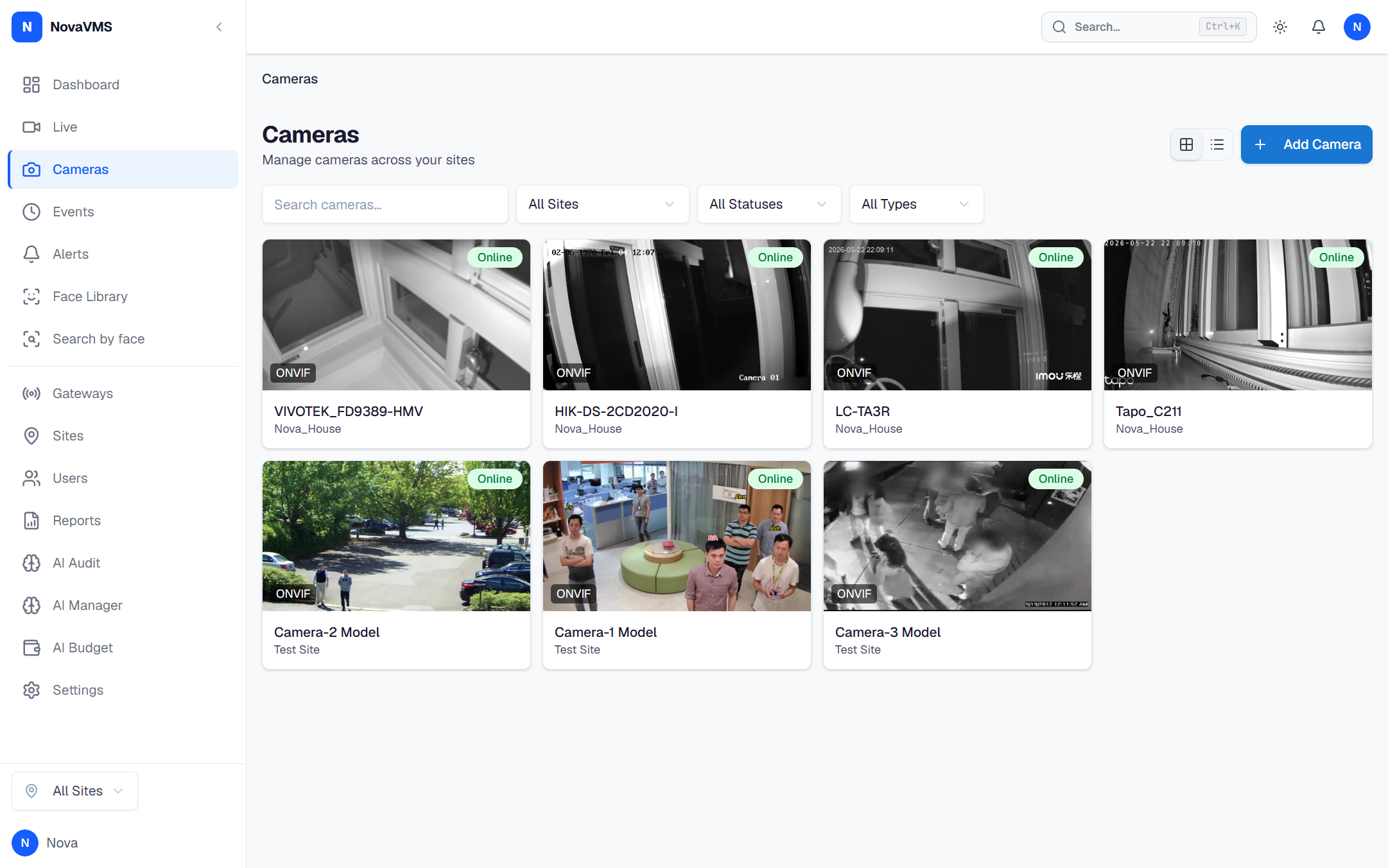
After you reboot a camera, its row on the Cameras page shows a red dot and the status Offline. The camera’s own web UI loads fine from your browser, so you know the camera itself is back up — but NovaVMS still insists it’s offline.
Likely causes
- The gateway has not re-detected the camera yet. Default detection interval is 60 seconds after a disconnection, so within the first minute after the reboot the status is still stale.
- The camera’s IP address changed on reboot. If the camera is on DHCP, its lease can shift to a new address, and the gateway is still probing the old one.
- The gateway itself is offline. If the gateway is down, every camera attached to it shows Offline.
Fix
If the gateway is offline
Open Gateways in the left nav. If the gateway row shows a red dot, fix the gateway first — every camera behind it will recover once the gateway reconnects. See Gateway shows Offline.
If the gateway is online, wait one minute
The gateway re-probes the camera once per check interval. Most transient reboots clear on their own within 90 seconds of the camera coming back up.
If the camera is still Offline after 90 seconds
- Click the camera in the Cameras list to open the camera detail page.
- Click the Reconnect button in the page header (visible only when the camera shows offline; see
frontend/src/pages/CameraDetailPage.tsx:245). This re-runs the cloud’sconnect_cameraflow against the gateway and forces an immediate probe instead of waiting for the next 60-second diagnostic interval. Note: per-camera Reconnect is distinct from the gateway-wide Discover action on the Gateways page (which runs WS-Discovery multicast for all cameras on the LAN).
If Reconnect finds the camera at a different IP
The camera got a new DHCP lease. Fix it so the IP stops moving:
- Set a DHCP reservation on your router for this camera’s MAC address, or
- Give the camera a static IP using its own web UI.
See Camera shows a different IP address than before for the full walk-through.
Verify
- The camera’s dot turns green within 30 seconds of the Reconnect.
- The live-view tile renders a frame when you open it.
- The Last seen timestamp on the Cameras page is within the last minute.
If none of this worked
Collect the gateway log and open a support ticket:
sudo journalctl -u novavms-gateway -n 500 --no-pager > gateway.logAttach gateway.log and the camera’s ID to the ticket at support.novalien.com.
See also: