Live view is black
Symptom
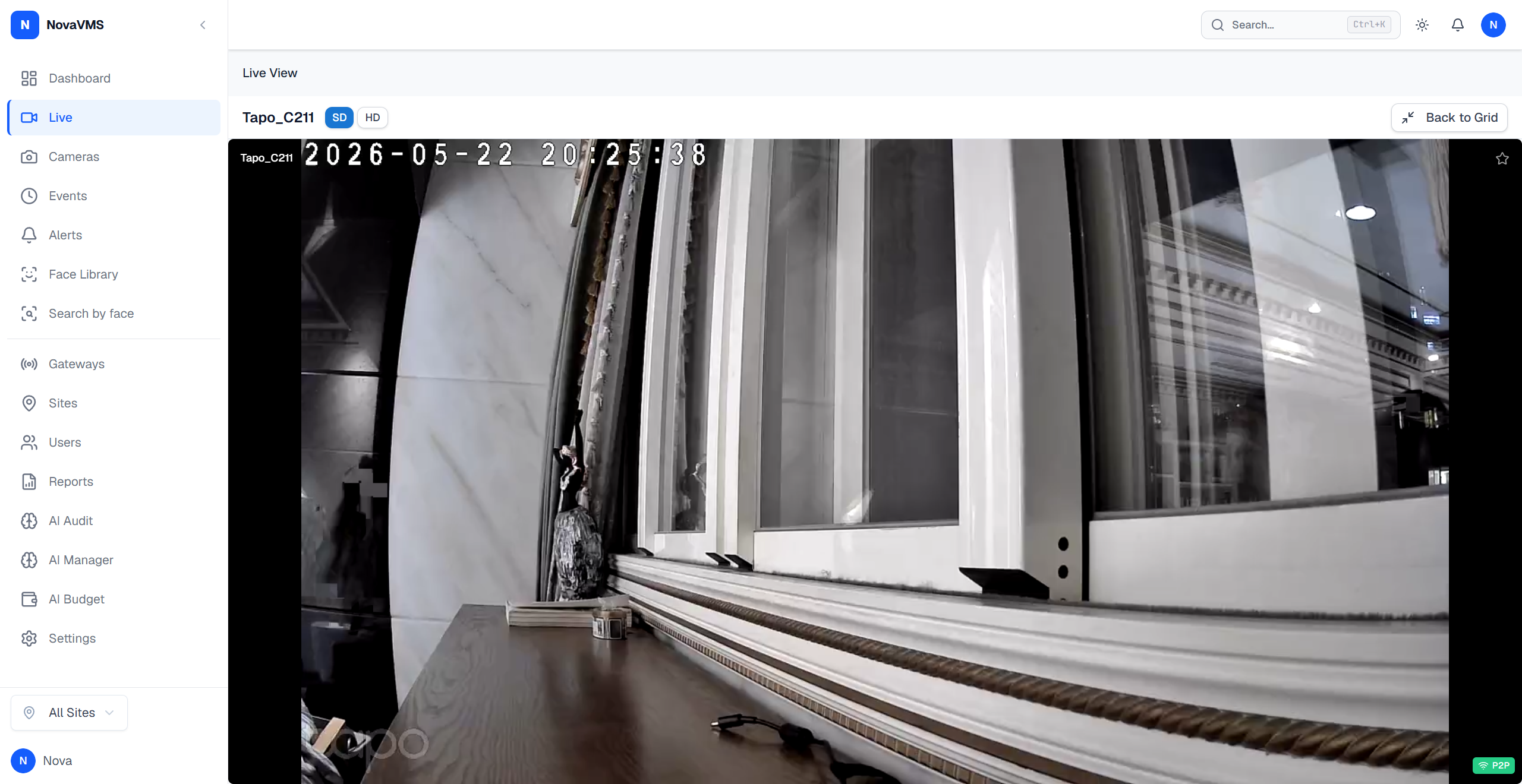
You open a camera tile on the Live page. The tile mounts and shows the camera name, but the video area stays black. In some cases you see the overlay Waiting for video… for more than ten seconds, or the tile renders a single frame and then freezes.
Likely causes
- Your browser does not support the camera’s codec. H.265 (HEVC) cameras need Chrome 136+, Edge 136+, or Safari 18+ on macOS / iOS (the NovaVMS test baseline). Firefox has no H.265 support today and falls through to MSE.
- HTTPS / TURN infrastructure is not ready. On a fresh self-hosted deployment, the TLS certificate or the TURN relay may still be provisioning — WebRTC fails to negotiate.
- The peer connection failed. No path exists between your browser and the cloud SFU (blocked UDP, no STUN/TURN, restrictive corporate firewall).
- Time to first frame (TTFF) exceeds the tile’s patience window. Slow keyframe wait at the SFU or a cold gateway can push startup past the overlay timeout. The TTFF benchmark from 2026-04-17 measured worst-case WebRTC p50 of 2426 ms (HIK) and MSE p50 of 2984 ms (Tapo); a tile that stays black longer than 5 seconds is outside normal range.
Fix
If the camera is H.265
Chrome 136+, Edge 136+, or Safari 18+ on macOS / iOS render H.265 via WebRTC, provided the cloud SFU is built with SFU_H265_ENABLED=true (default is false). Firefox does not support H.265 over WebRTC and routes to MSE/fMP4 instead. If neither WebRTC nor MSE works, switch browsers or ask your admin to check the SFU H.265 flag. The H.265 live-view path itself is known good; the fix for the original “frames decoded zero” case shipped in commit ddc57a1 which wires the camera’s real codec into the SFU track (previously hardcoded to H.264, which rewrote the RTP payload type and made the browser reject the frames).
If the deployment is brand new
Wait 5 minutes and retry. TLS certificate provisioning and TURN bootstrap can take up to that long on first start. If it still fails, ask your admin to check that the HTTPS certificate is valid and the TURN server is reachable.
If you see the “Waiting for video…” overlay for more than 10 seconds
- Reload the page. A fresh peer connection often clears a stuck keyframe wait.
- If reload does not help, switch the tile to a different camera to confirm the problem is per-camera rather than your network.
- If every tile is black, your browser cannot reach the cloud SFU. Try a different network (phone hotspot is a quick test) — a corporate firewall blocking UDP 3478 (STUN) or 443 (TURN) is the common cause.
If the tile renders a single frame and then freezes
This is usually a decoder reject. Open DevTools → Console and look for lines starting with readyState=0 or videoWidth=0. Report the camera ID and the console output to support.
Verify
- The tile shows live motion — the timestamp overlay advances every second.
- DevTools → chrome://webrtc-internals shows
framesDecodedincreasing for the tile’s peer connection. - No red status dot on the camera in the left sidebar.
If none of this worked
Collect a WebRTC diagnostic bundle:
- Open
chrome://webrtc-internalsin a new tab. - Reproduce the black-tile case.
- Click Download data at the top of the page.
- Attach the JSON to a support ticket at support.novalien.com.
See also: