Delete organisation
Only the Owner can delete the organisation. During the 7-day grace window the org row has scheduled_for_deletion_at set: data is retained; any access token issued for this org is blocked from every endpoint except POST /api/v1/organization/cancel-deletion, POST /api/v1/auth/logout, and the read-only GET /api/v1/organization (this is enforced by RequireOrgActive middleware). Every user receives an email explaining when final purge occurs. The Owner — and only the Owner — can cancel during the window.
Before you start: download any clips you need as evidence, export the audit log as CSV, export users as CSV, and confirm billing is settled. Anything not exported will be gone.
Procedure
-
Export critical data first. See Export audit log, Export users, and Export a clip as evidence for each clip you need. NovaVMS does not auto-archive on delete.
-
Open Owner → Danger zone from the left nav.
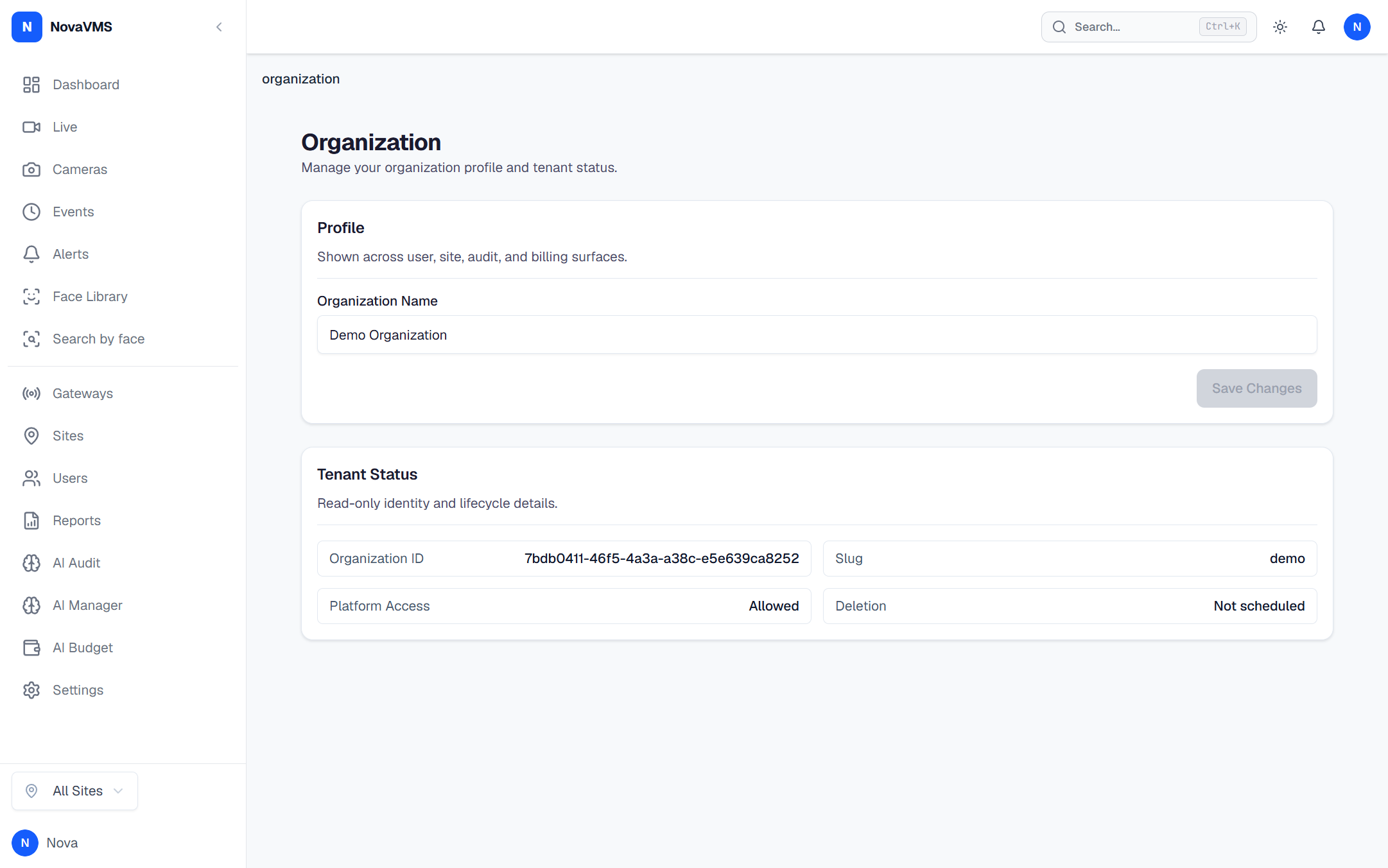
- Click Delete organisation. A confirmation dialog opens.
- Type your organisation name exactly to enable the confirm button. Case-sensitive.
(A password re-prompt is in the PRD spec but not enforced server-side in v1 — the org-name typing gate plus the 10-second cooldown are the active confirmations.)
- Wait out the 10-second cooldown. The Delete button enables.
- Click Delete. NovaVMS writes
org.deletion_initiatedto the audit log, emails every user, and signs everyone out.
What happens after you confirm
- The org row has
scheduled_for_deletion_atset. Every endpoint except logout, cancel-deletion, and the read-onlyGET /api/v1/organizationreturns 403 for sessions in this org. API keys (service accounts) hitting tenant endpoints also fail. Owner sessions stay valid for the three exempt endpoints so the owner can cancel. - Every user is emailed: who initiated the delete, when the final purge runs, and how to contact the Owner to cancel.
- Data is retained, not purged, for 7 days (D79). Clips continue to occupy object storage during this window.
- After 7 days, a background job hard-deletes the org row; ON DELETE CASCADE removes every camera, event, user, recording, and audit entry. A terminal
org.deletedaudit row toplatform_audit_log(per D80) is on the roadmap — today, the tenant audit log is cascade-deleted with the org and no terminal marker is written to the platform side. Use theorg.deletion_initiatedandorg.deletion_cancelledrows as the lifecycle trail until then. - Payment integration is a v2 feature; for now the deployment is self-hosted and bills nothing beyond what the operator already pays for compute.
Common variations
- Cancel during the grace window: sign back in as Owner (the only role that still works). Open Owner → Danger zone and click Cancel deletion. The org returns to active immediately; all users can log in. Audit log records
org.deletion_cancelled. - Re-delete after cancelling: the 7-day clock restarts from the new
Deleteclick. There is no penalty for cancelling. - Need more time before final purge: cancel, export more data, re-initiate. There is no way to extend the 7 days once the clock is running.
If this didn’t work
- If the Delete button will not enable, confirm the org-name field matches exactly — including capitalisation and punctuation. The displayed name above the field is the source of truth.
- If you are locked out during the grace window and need a platform admin to cancel, contact NovaVMS support. A platform admin can cancel via scoped impersonation (D80). See the Platform admin support window (Phase 2).
- If the org re-appears after the 7-day window, you have found a bug. Contact NovaVMS support immediately with the
org.deletion_initiatedaudit entry.
Related
- Roles and permissions — why only Owner can delete
- Five-role RBAC — the immutability of the Owner role
- Transfer ownership — the usual alternative to deletion when an Owner leaves