Reset your password with a reset link
If you’ve forgotten your password, you don’t need to ask an admin — you can request a reset link yourself. NovaVMS emails a one-time link that stays valid for one hour. Click it, set a new password, log in. Every other session on your account is logged out at the same time, which is deliberate: a forgotten password can mean someone else knows it.
Prerequisites
- An active NovaVMS account. Disabled accounts cannot reset — contact your admin instead.
- Access to the inbox on the email address on file for your account.
- Your org’s NovaVMS URL (the page where you normally log in).
Procedure
Step 1 — Start the reset from the login page
- Open your org’s NovaVMS URL. The login page loads.
- Click Forgot password? below the login form.
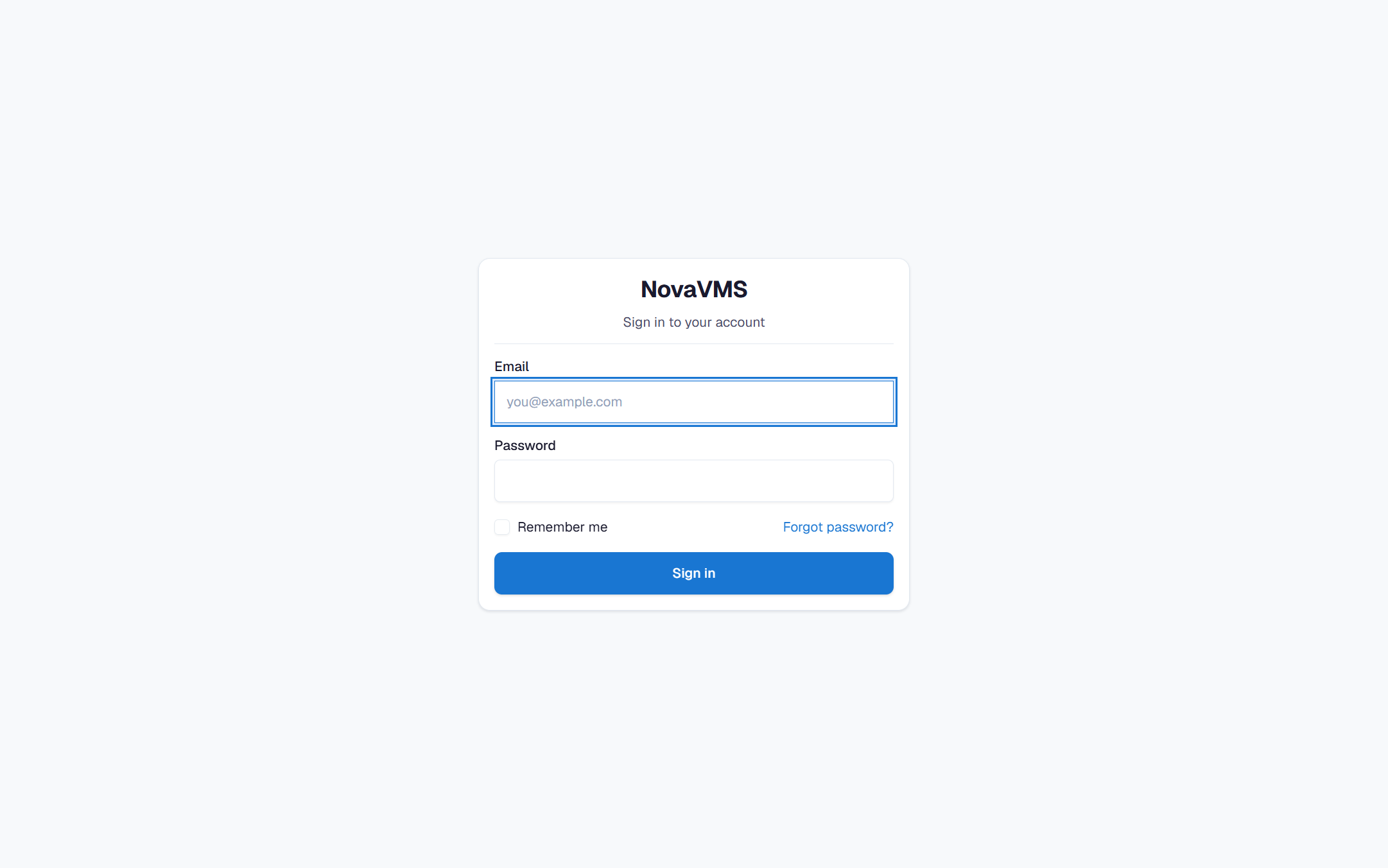
Step 2 — Enter your email
- Type the email address on your account.
- Click Send reset link.
- You’ll see a confirmation: If an account exists with this email, a reset link has been sent. NovaVMS shows this same message whether or not the email exists, so nobody can probe for valid accounts.
Step 3 — Open the email and click the link
- Check your inbox. The email subject is Reset your NovaVMS password. It arrives within a minute in most setups.
- Click the reset link in the email body. The link opens NovaVMS and drops you on the Set a new password page.
- If more than an hour has passed since you requested, the link shows Link expired. Start over from Step 1; a new request is fine.
Step 4 — Set a new password
- Enter your new password. Password rules:
- At least 12 characters
- One uppercase letter
- One lowercase letter
- One number
- One symbol
- Re-type the password in the Confirm field.
- Click Save password.
Verify
- NovaVMS redirects you to the login page with the message Password updated. Sign in.
- Log in with the new password. Your account works; every other session (laptop, phone, old browser) is logged out and must log in again.
Common variations
- The email never arrives: wait five minutes, then check spam. Still nothing? See Invitation email didn’t arrive — same SendGrid pipeline.
- The reset link is expired: expected if the link is older than an hour. Request a new one. Requesting a new link invalidates the old one automatically.
- An admin can reset for you: ask your admin if they prefer to do it. See Reset a user’s password — the admin-initiated flow. Either works; the self-service flow is faster because you’re not waiting on someone else.
If this didn’t work
- Password rejected as too weak: the inline rules list above shows what you’re missing. The most common miss is no symbol.
- Link shows “Invalid reset link”: the link has been tampered with, truncated by an email client, or already used. Start over from Step 1.
- You don’t know which email is on file: ask your admin to check the Users page — the email is visible there. If you can’t reach your admin, NovaVMS support cannot look this up for you; it’s a policy-level privacy protection.
Related
- Invitation email didn’t arrive — delivery diagnostics for the same email pipeline
- User can’t sign in — what to do if the reset works but login still fails