Gateway shows "Offline"
Gateway shows “Offline”
Symptom
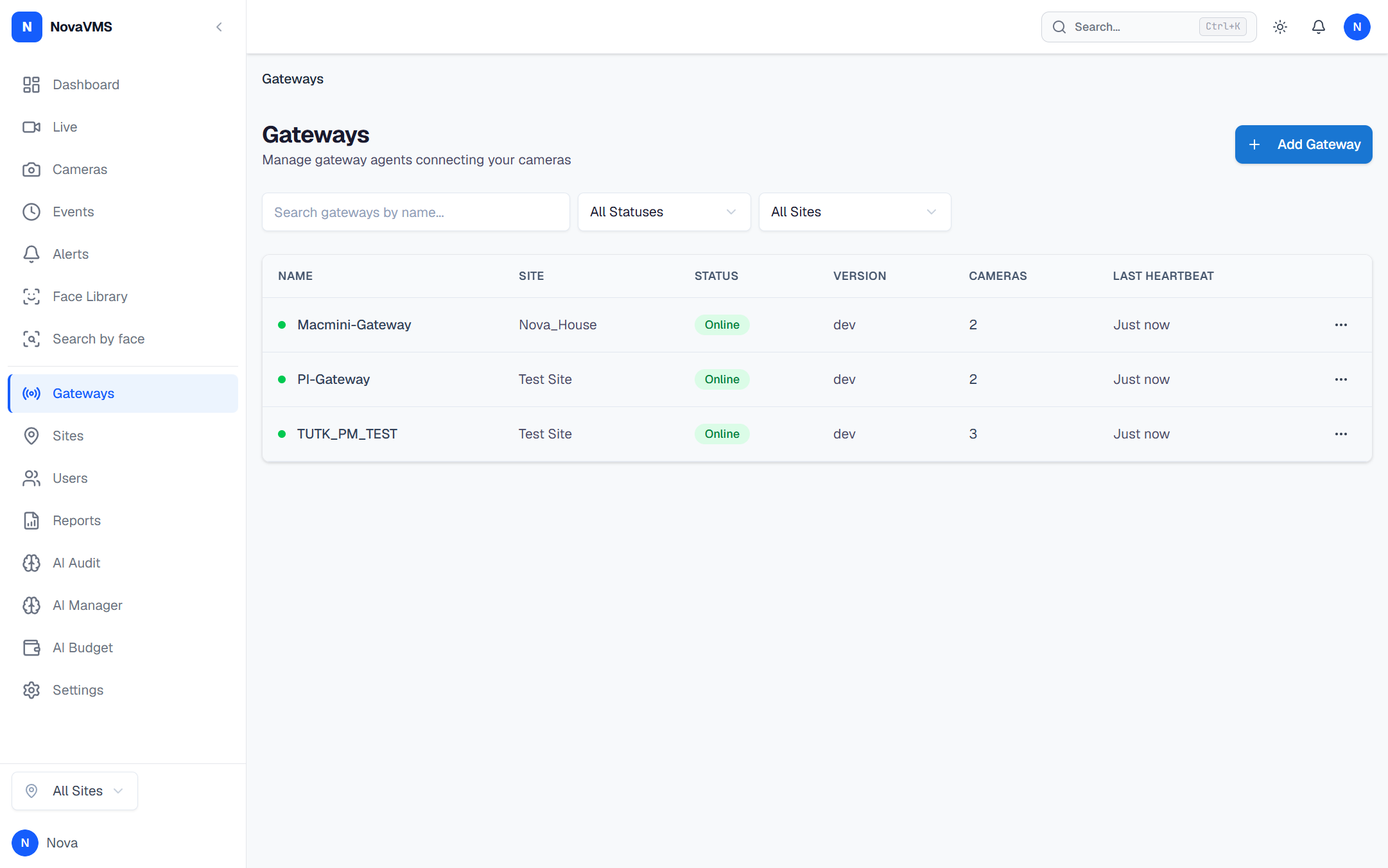
On the Gateways page, a gateway row shows a red dot with the status Offline. Every camera attached to that gateway is also showing Offline. The cloud UI’s Last seen timestamp for the gateway is older than one minute.
Likely causes
- The gateway process has crashed or stopped. The systemd unit is inactive or the Docker container exited.
- The gateway has lost network connectivity. The on-premise machine cannot reach the cloud over the internet.
- The cloud rejected the gateway’s WebSocket. The gateway token is invalid, revoked, or the gateway’s clock is skewed more than 5 minutes from UTC.
Fix
You need SSH access to the gateway host for the steps below. If you do not, escalate to whoever installed it.
Step 1 — Check the service state
SSH to the gateway host and check the service:
sudo systemctl status novavms-gateway- active (running): the process is up — skip to Step 3 (network).
- inactive (dead) or failed: continue to Step 2.
For Docker-based gateways:
docker ps --filter name=novavms-gatewayIf the container is missing, run docker ps -a to check exit status.
Step 2 — If the service is down, tail the log and restart
sudo journalctl -u novavms-gateway -n 200 --no-pagersudo systemctl restart novavms-gatewayFor Docker:
docker logs novavms-gateway --tail 200docker restart novavms-gatewayCommon failure lines in the log:
dial tcp: lookup novavms.novalien.com: no such host— DNS broken on the host.token rejected— the gateway pairing token was revoked. Re-pair from the Gateways page.time skew exceeds 5 minutes— system clock is wrong. Runsudo timedatectl set-ntp true.
Step 3 — If the service is running but the cloud still shows Offline
- From the gateway host, test cloud reachability:
Expect
Terminal window curl -sS https://novavms.novalien.com/api/v1/health{"status":"ok"}. If you get a timeout or TLS error, the gateway’s network is blocking outbound HTTPS. - Verify the gateway’s outbound ports. NovaVMS gateways need outbound 443 (WebSocket + HTTPS) and 3478 (STUN) open.
- If reachability is fine, restart the service one more time to force a fresh WebSocket handshake:
Terminal window sudo systemctl restart novavms-gateway
Verify
- The gateway’s dot turns green within 60 seconds of the restart.
- Cameras behind it recover to green one by one as the gateway re-probes them.
- The gateway’s Last seen timestamp is within the last minute.
sudo journalctl -u novavms-gateway -n 20shows no repeated error lines.
If none of this worked
Collect the last 1000 log lines and the service state:
sudo journalctl -u novavms-gateway -n 1000 --no-pager > gateway.logsudo systemctl status novavms-gateway >> gateway.logAttach gateway.log, the gateway’s hostname, and the Gateway ID from the Gateways page to a ticket at support.novalien.com.
See also: