Transfer ownership
You stay the Owner until the nominee accepts. On acceptance, NovaVMS atomically promotes them to Owner and demotes you to Admin. You keep every Admin capability (users, audit log, governance) but lose billing, delete-org, and the ability to initiate another transfer. See Five-role RBAC for what Admin retains.
Only existing Admins are eligible. Promote a user to Admin first (see Change a user’s role) before nominating them.
Procedure
- Open Owner → Transfer ownership from the left nav.
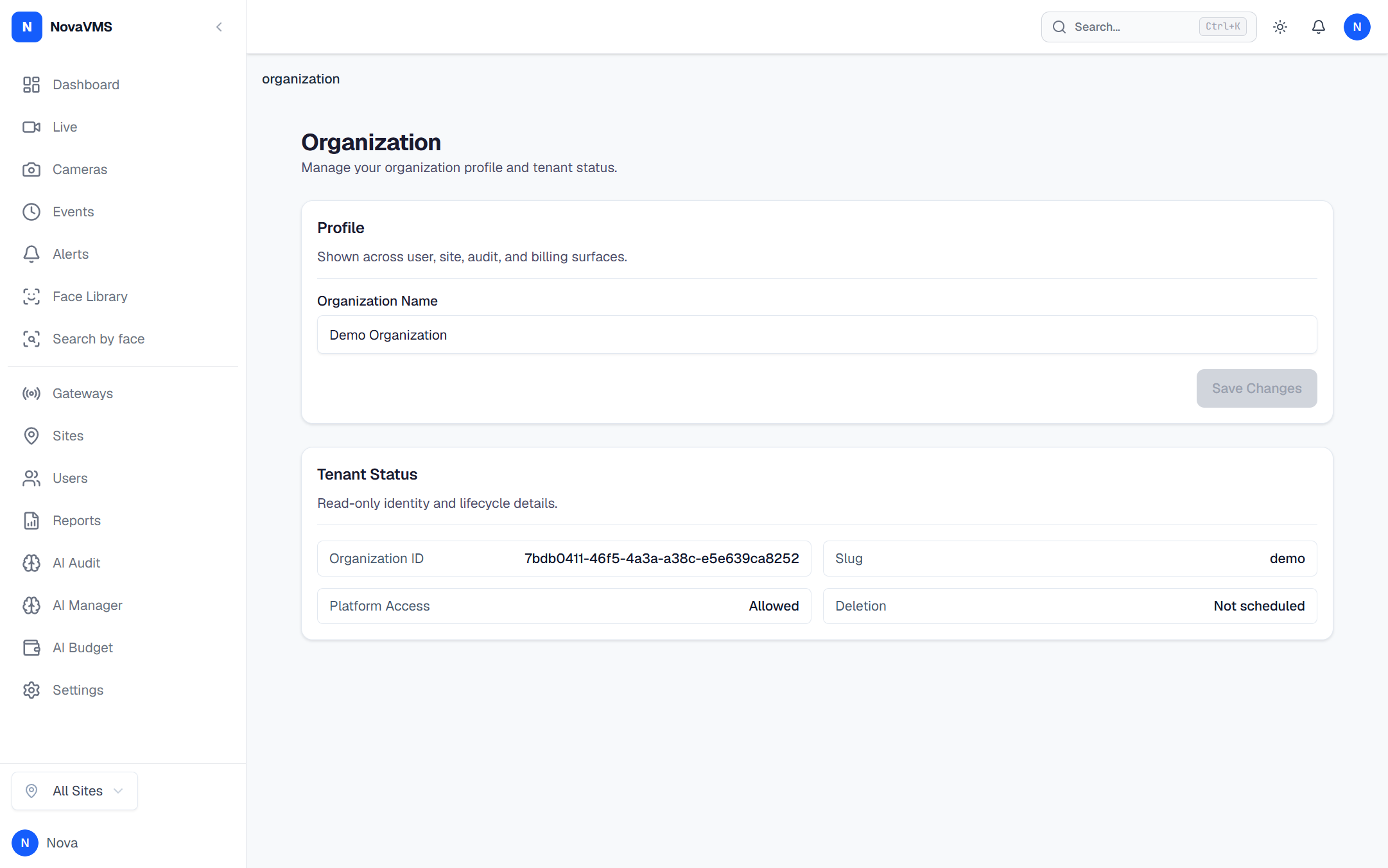
- Pick the target Admin from the list. Operators, Viewers, and disabled accounts do not appear.
- Click Nominate as Owner. NovaVMS creates a nomination with a 7-day expiry and emails the nominee.
(A password re-prompt is listed in the PRD but not enforced server-side in v1 — the action is reversible until the nominee accepts, and ownership cannot move without their explicit acceptance, so the omission is bounded. Treat this as a known gap; future hardening will add the re-prompt.)
- Tell the nominee to open the emailed accept link and click Accept. Only they can complete the transfer.
What happens after you confirm
- You stay Owner until the nominee accepts. Billing, delete-org, and transfer stay with you during the 7-day window.
- On accept: one atomic transaction promotes the nominee to Owner and demotes you to Admin. A single
org.ownership_transferredaudit entry is written withdetails_jsoncarrying bothfrom_user_idandto_user_id(D79). You receive an email notice. - On reject or 7-day expiry: the nomination is cancelled, you stay Owner, nothing else changes. Audit log records
org.ownership_transfer_rejectedororg.ownership_transfer_expired. - Only one nomination is active per org at a time. Creating a new one cancels the previous.
- If you are disabled before the nominee accepts, the accept itself will fail at commit time because the demote SQL targets a user who is no longer
role=owner. There is no automatic cancellation hook today — initiate the transfer well before you leave the company. (Auto-cancellation on outgoing-owner disablement is on the roadmap.)
Common variations
- Cancel a pending nomination: while the window is open, return to Owner → Transfer ownership and click Cancel nomination. The nominee is notified; you remain Owner.
- Replace the nominee: cancel the current nomination, then start a new one with the correct person. The 7-day clock restarts.
- Owner leaving the company imminently: do not rely on the 7-day window. Nominate, watch for the accept email, and confirm acceptance before your last day — an expired nomination strands the org until a NovaVMS platform admin intervenes.
If this didn’t work
- If the nominee never saw the email, NovaVMS can re-send from the audit entry, or you can cancel and re-nominate to regenerate the link.
- If the nominee accepted but you still appear as Owner in the UI, hard-refresh the page. Role claims are in the JWT and update on the next
/mepoll. - If the nomination expired and the outgoing owner is gone, contact NovaVMS support. A platform admin can re-issue the nomination via scoped impersonation (D80). See the Platform admin support window (Phase 2).
Related
- Roles and permissions — what Owner keeps vs loses
- Five-role RBAC — why Owner is separable from Admin
- Change a user’s role — promote a user to Admin before you can nominate them