Configure AI for your organization
NovaVMS v5 ships a single AI stack: MobileCLIP2-B for visual embeddings, YOLO26n for object detection, InsightFace for face recognition, and Gemini 3.1 Flash-Lite (via Vertex AI) for non-blocking natural-language understanding. Multi-provider Model & Cost configuration was retired in the L12 cutover (see docs/decisions.md); admins now tune the pipeline at /admin/ai instead of picking providers or API keys per org.
This page walks you through the four admin-facing surfaces on /admin/ai: per-feature toggles, pipeline knobs, model health, and the maintenance wizard.
Procedure
Open the AI admin surface
- Open
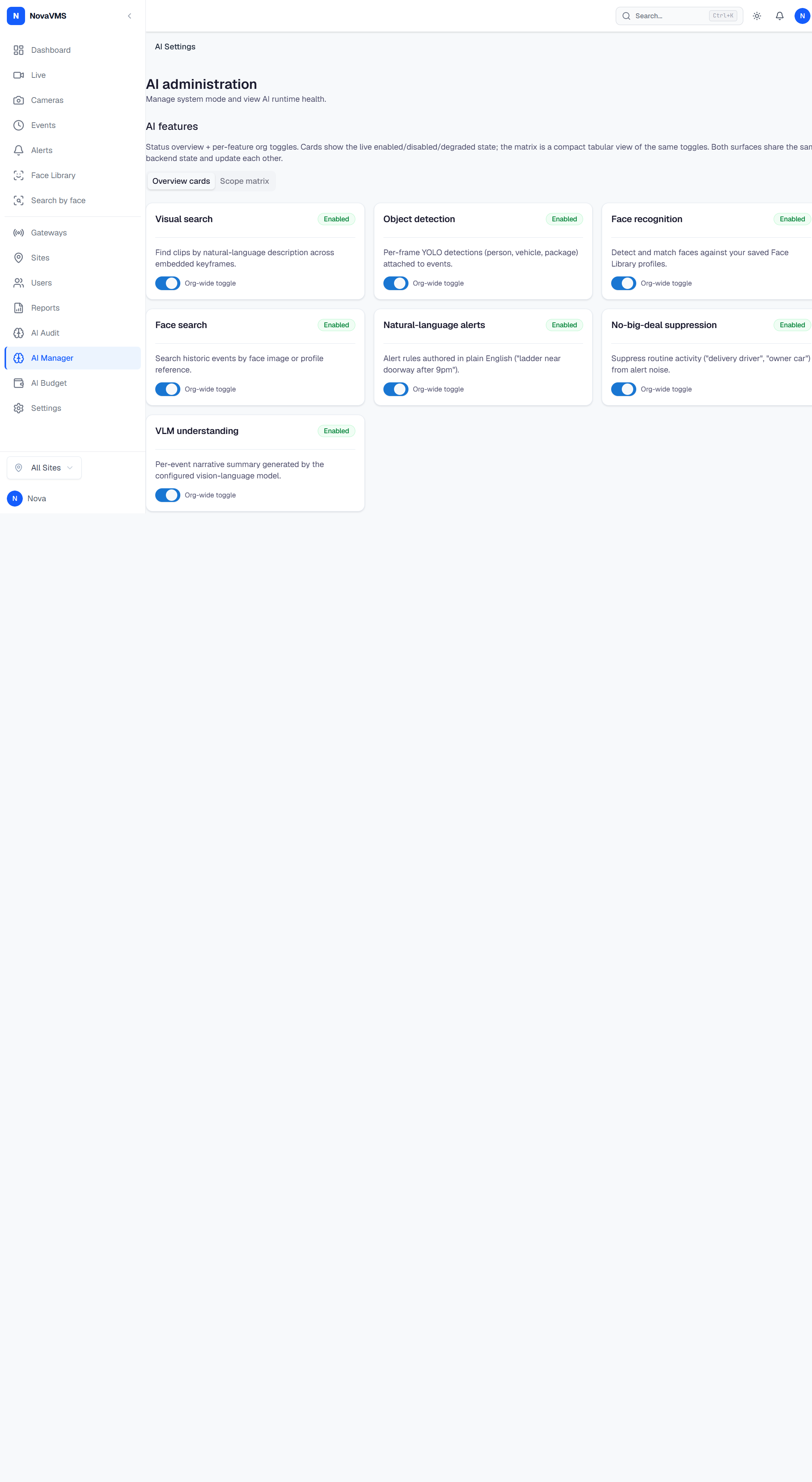
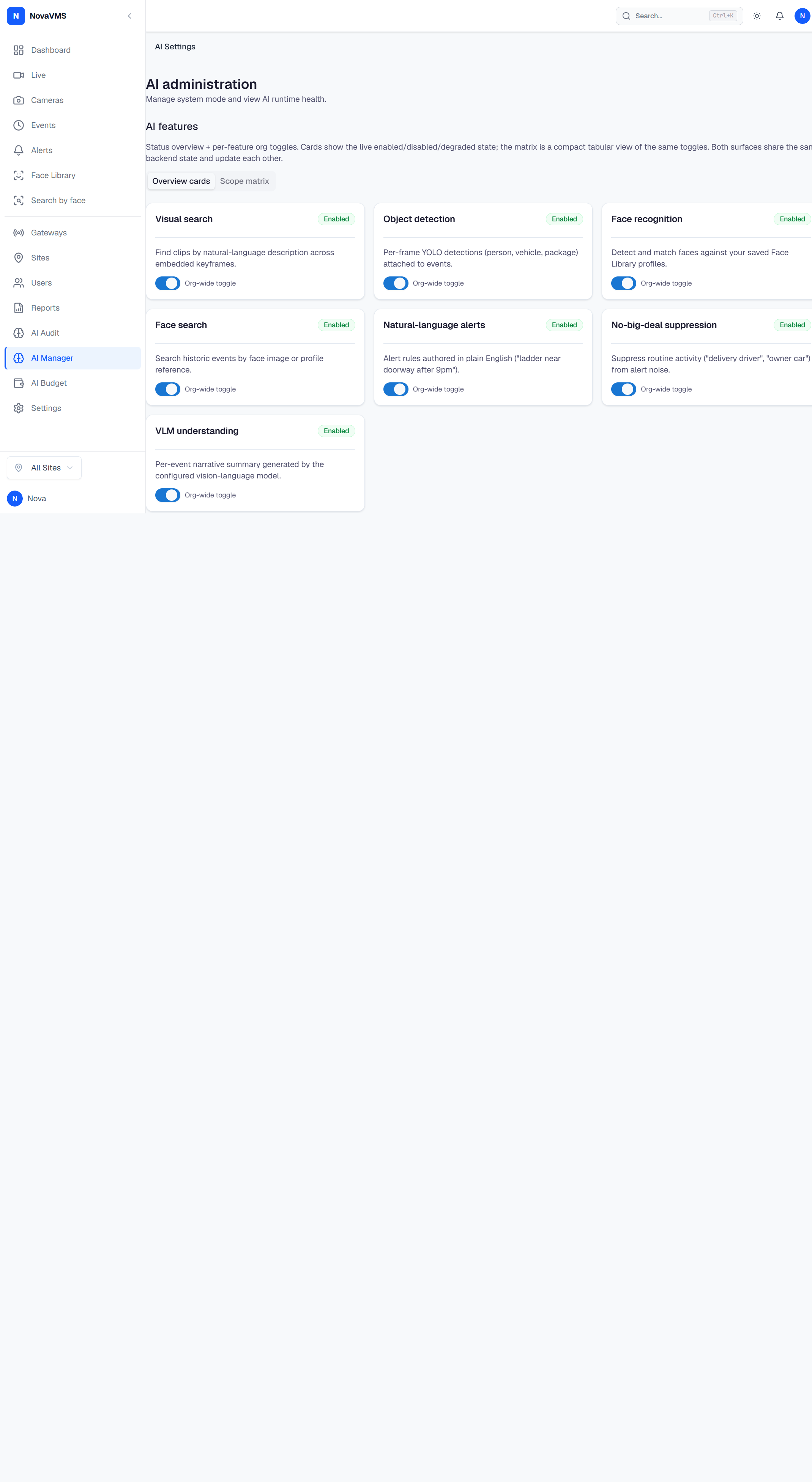
/admin/aifrom the left nav. - The page renders five sections: AI features (with Overview cards and Scope matrix tabs), AI Runtime — Model health, AI pipeline configuration, Maintenance wizard, and Notification groups.
The /settings/ai and /settings/ai/model URLs from earlier releases redirect to /admin/ai automatically.
Toggle a feature org-wide
- On
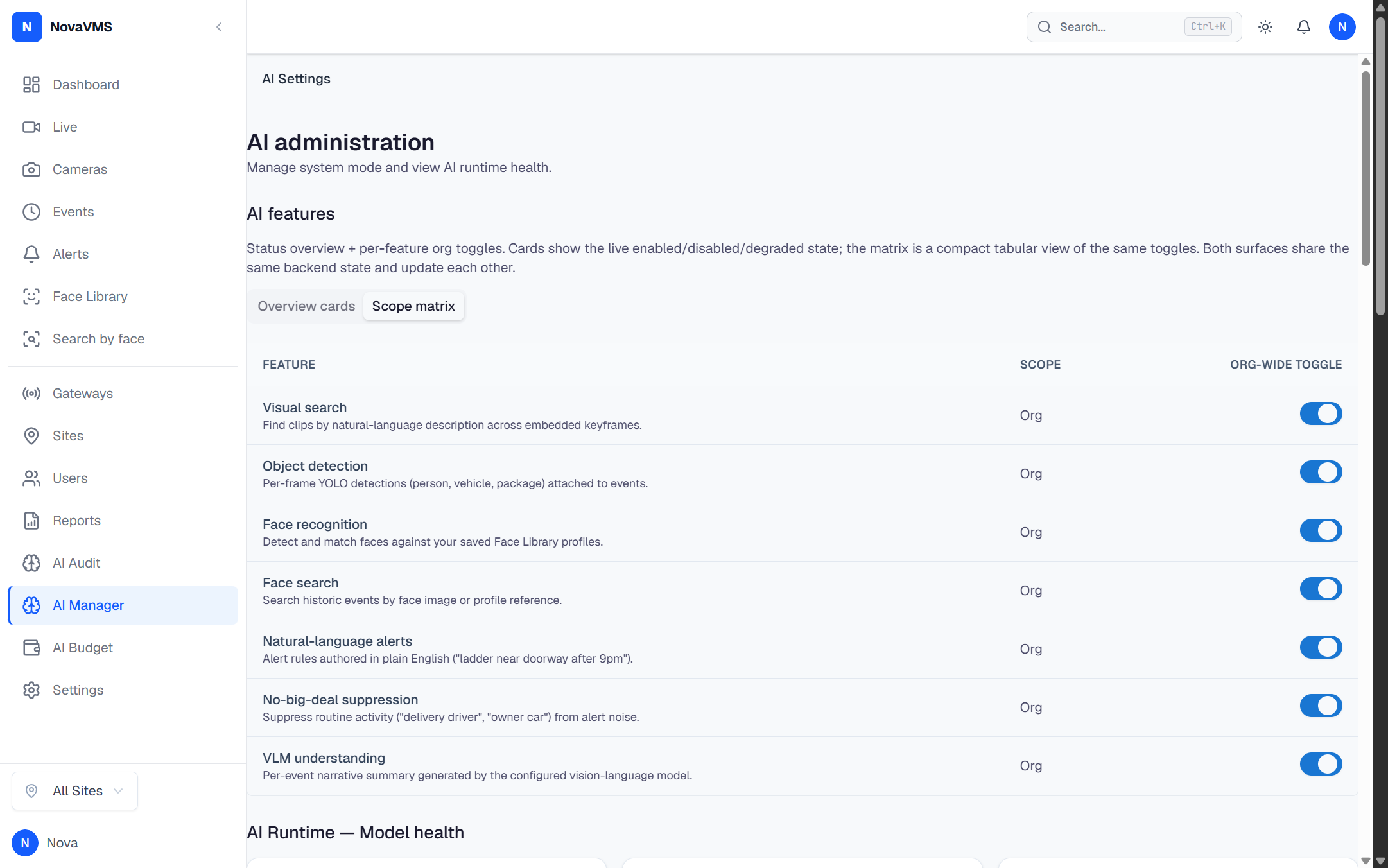
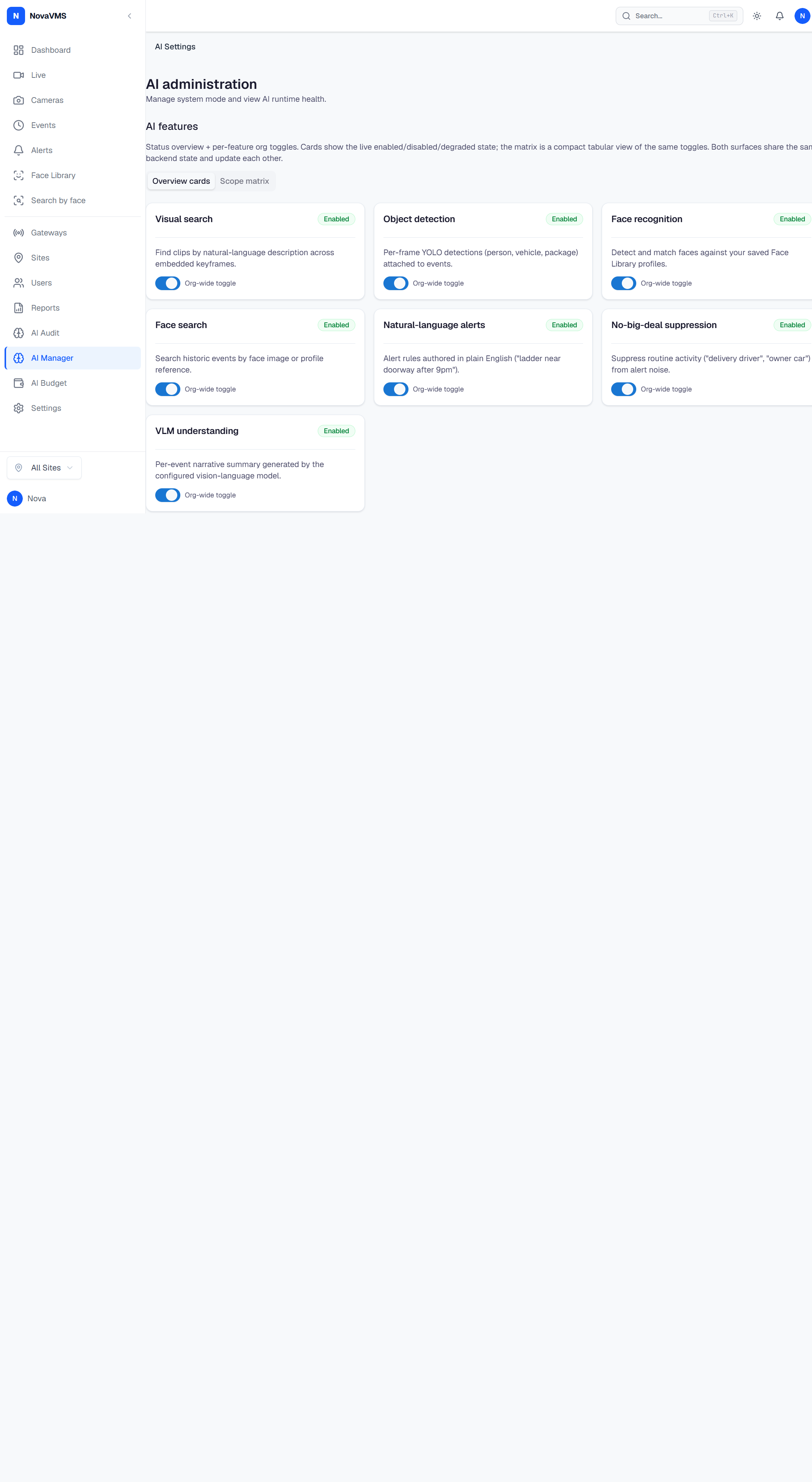
/admin/aiopen the AI features section. - Click the Scope matrix tab for the compact table view, or stay on Overview cards for the larger card grid. Both surfaces share state.
- Flip the toggle for any of the seven features:
- Visual search — MobileCLIP2-B embedded keyframes power natural-language search.
- Object detection — YOLO26n attaches person/vehicle/package detections to events.
- Face recognition — InsightFace detects and matches faces against your Face Library.
- Face search — historic events become searchable by face image or profile.
- Natural-language alerts — Gemini compiles alert prompts into deterministic rule JSON.
- No-big-deal suppression — repetitive low-novelty alerts are suppressed (still recorded + searchable).
- VLM understanding — per-event summary + narrative from Gemini.
- Toggling writes to
PATCH /api/v1/ai/settings/featuresand audit-logsai_feature_flags.updated.
Tune the pipeline knobs
-
Scroll to AI pipeline configuration on
/admin/ai. -
The form (
AIPipelineKnobsForm) edits the 11 org-level knobs inai_org_settings:Knob Default Range Effect v5 visual intelligence on bool Master toggle. When off, no event reaches the AI Runtime. Frame extraction mode uniformuniform|sceneUniform is simpler / reproducible; scene removes near-duplicate frames. Max frames per event 8 1–16 Effective cap on extracted frame count. Uniform frame count 8 1–16 N frames sampled when mode is uniform.Active VLM requests 1 1–8 Concurrent calls into the AI Runtime. Increase only after benchmark mode confirms CPU headroom. JPEG quality 85 50–100 Canonical frame JPEG quality. DB CHECK. Short-edge resize (px) 2560 320–3840 Historical field label; current extraction applies this as maximum frame width. DB CHECK. YOLO confidence 0.35 0.05–0.95 Detections below this score are dropped (Phase F, migration 000082). Face-in-person min 0.80 0.50–1.00 Minimum fraction of the face bounding box that must lie inside a person bounding box. Face min size (px) 64 16–256 Faces smaller than this are ignored. Thinking level (default) minimalminimal|lowPer-rule contextual judges override this default when set. -
Click Save changes. The form writes to
PATCH /api/v1/ai/settingsand audit-logsai_settings.updatedwith{old, new, source}so the change is reconstructable fromaudit_log.
Verify model health
- Look at AI Runtime — Model health on
/admin/ai. - The four cards (MobileCLIP2-B, YOLO26n, InsightFace, Gemini 3.1 Flash-Lite) show:
- Loaded / Unloaded / Degraded / Unknown status badge.
- SHA256 checksum (when known) — must match
ai-runtime/reference_checksums.json. - Gemini card additionally shows judge budget consumption (synthesized from
gemini_judge_budget+gemini_judge_usagein the cloud DB; the Python sidecar does not see Vertex AI).
- If a card reads Unknown, the
GET /api/v1/admin/ai-runtime/healthquery is in flight or errored. Refresh; if it stays Unknown, check that the AI Runtime sidecar is up atAI_RUNTIME_BASE_URL(defaulthttp://127.0.0.1:8091).
Per-camera detection override
The only per-camera AI override consumed by the v5 ingest path is yolo_confidence (Phase F). Set it from the camera detail page; an unset value falls through to the org-level yolo_confidence. The pre-v5 columns ai_provider_override, ai_model_override, prompt_pack_id, and analysis_mode survive on the cameras table but the v5 pipeline does not consume them — leave them blank.
If this didn’t work
- AI features show as Unknown after save. The cloud-side health proxy returned an error. Open
GET /api/v1/admin/ai-runtime/healthfrom the browser dev tools to see the underlying response, then check that the AI Runtime sidecar process is running. Save changesreturns 400 with “yolo_confidence must be between 0.05 and 0.95”. A direct API caller bypassed the Zod client-side guard; the server enforces the same DB CHECK ranges. Re-enter the value in range.- Toggling a feature returns 403. Your role is operator or viewer. Only admin and owner can edit org-level AI flags (
PATCH /api/v1/ai/settings/featuresis gated byRequireAdmin). - Air-gapped event intelligence. Local-only Ollama support was retired for event-intelligence, search, and rule-generative paths; those paths use Gemini. This boundary does not cover independent twin-training providers. Air-gapped event intelligence is a v5 non-goal; see AI event-intelligence PRD v5 §8.
Related
- Why NovaVMS uses one AI stack with v5 evidence-first design
- Canonical AI tags — what tag values to expect
- AI provider fields — Vertex AI configuration reference
- Event has no AI tags — when an event is stuck in
failed - Emergency: handle Gemini and AI Runtime degraded modes