Watch multiple cameras in a grid
Use the Live page to monitor several cameras at once in a configurable grid. The grid remembers your last layout and re-opens it the next time you log in.
Procedure
- Click Live in the left nav.
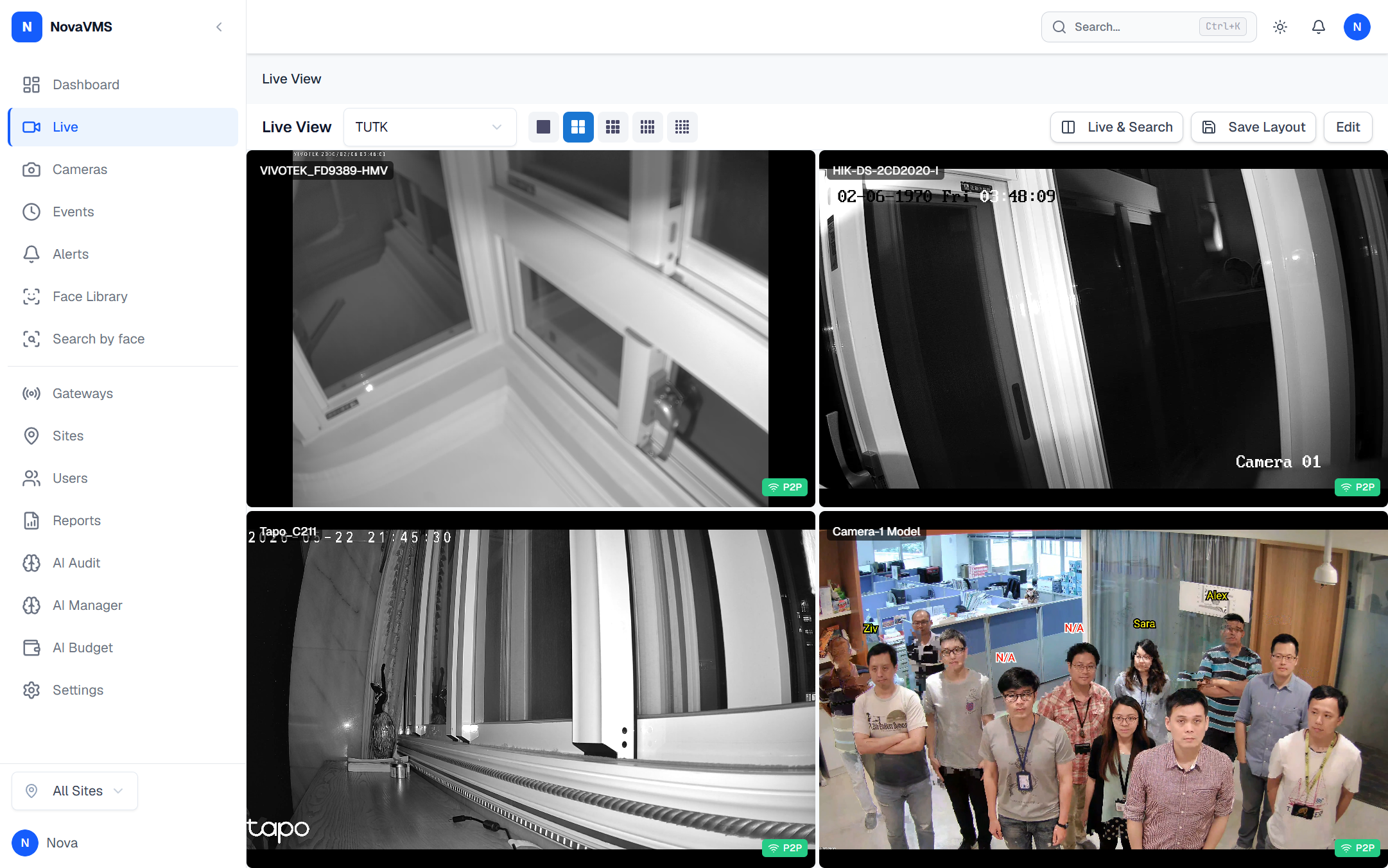
- Pick a grid from the grid selector dropdown in the toolbar.
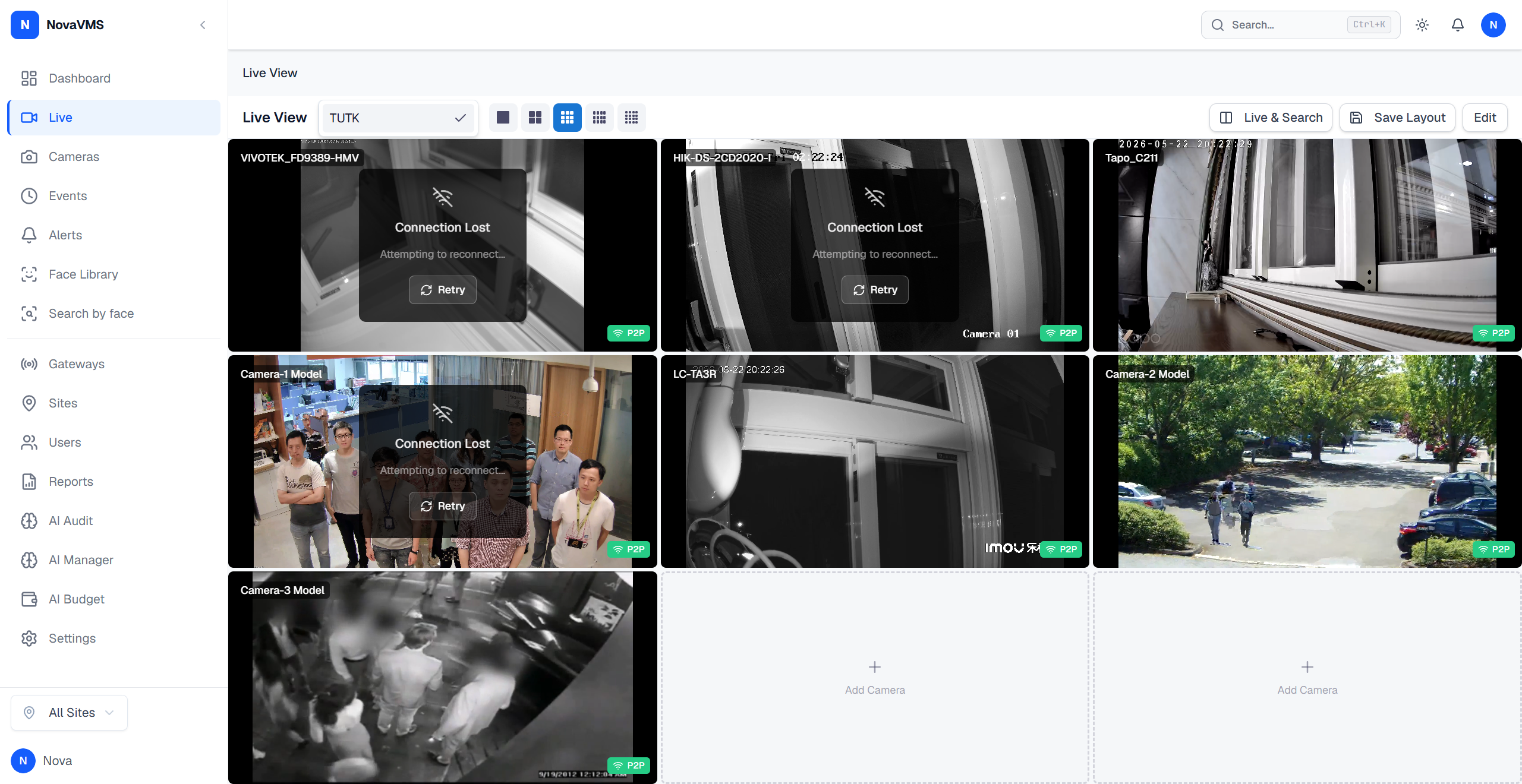
- Choose a layout (1x1 up to 3x4) from the layout selector.
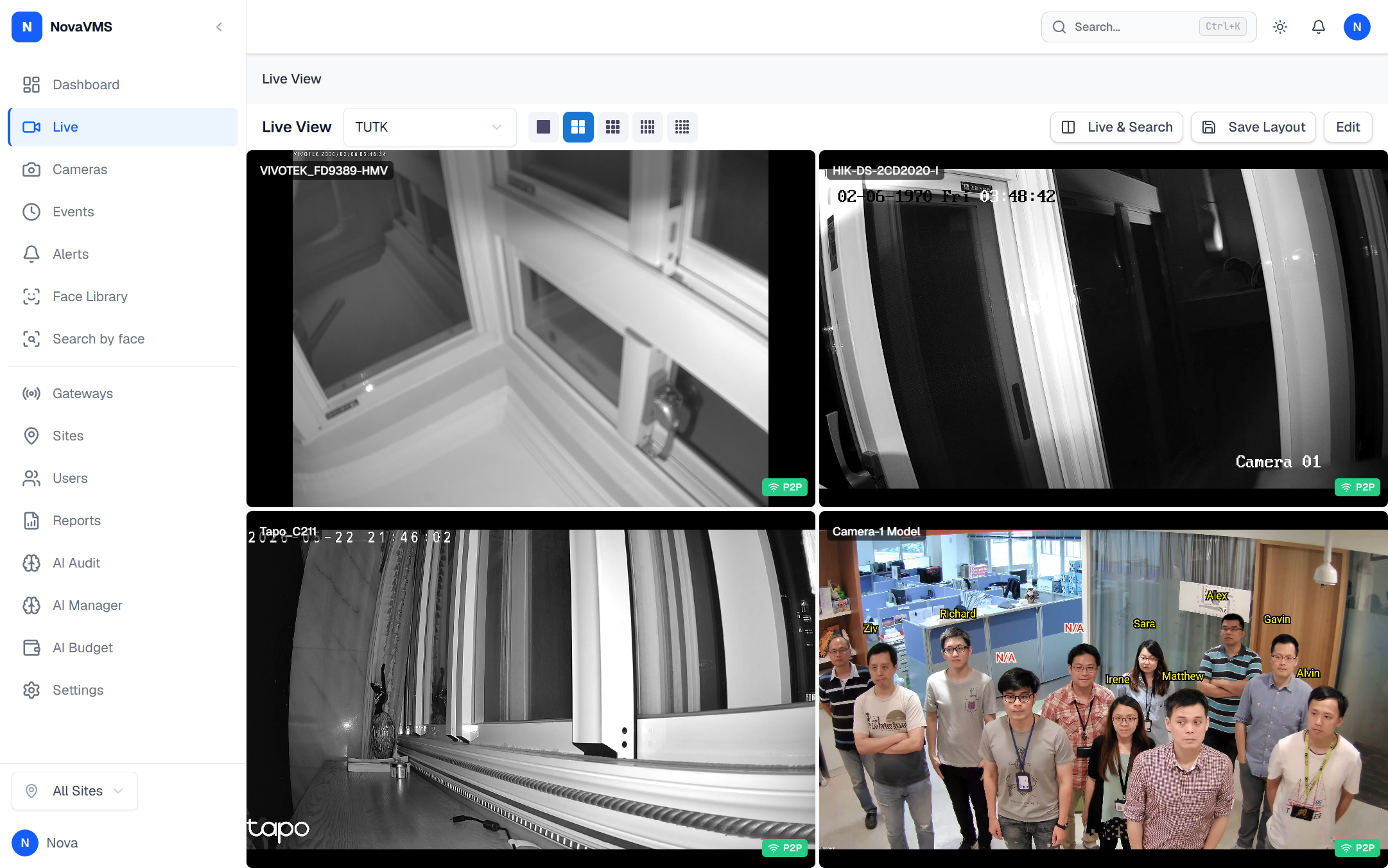
- Use the left and right arrows below the grid to move between pages.
- To cycle pages automatically, click Auto-rotate and pick an interval (10 s to 5 min).
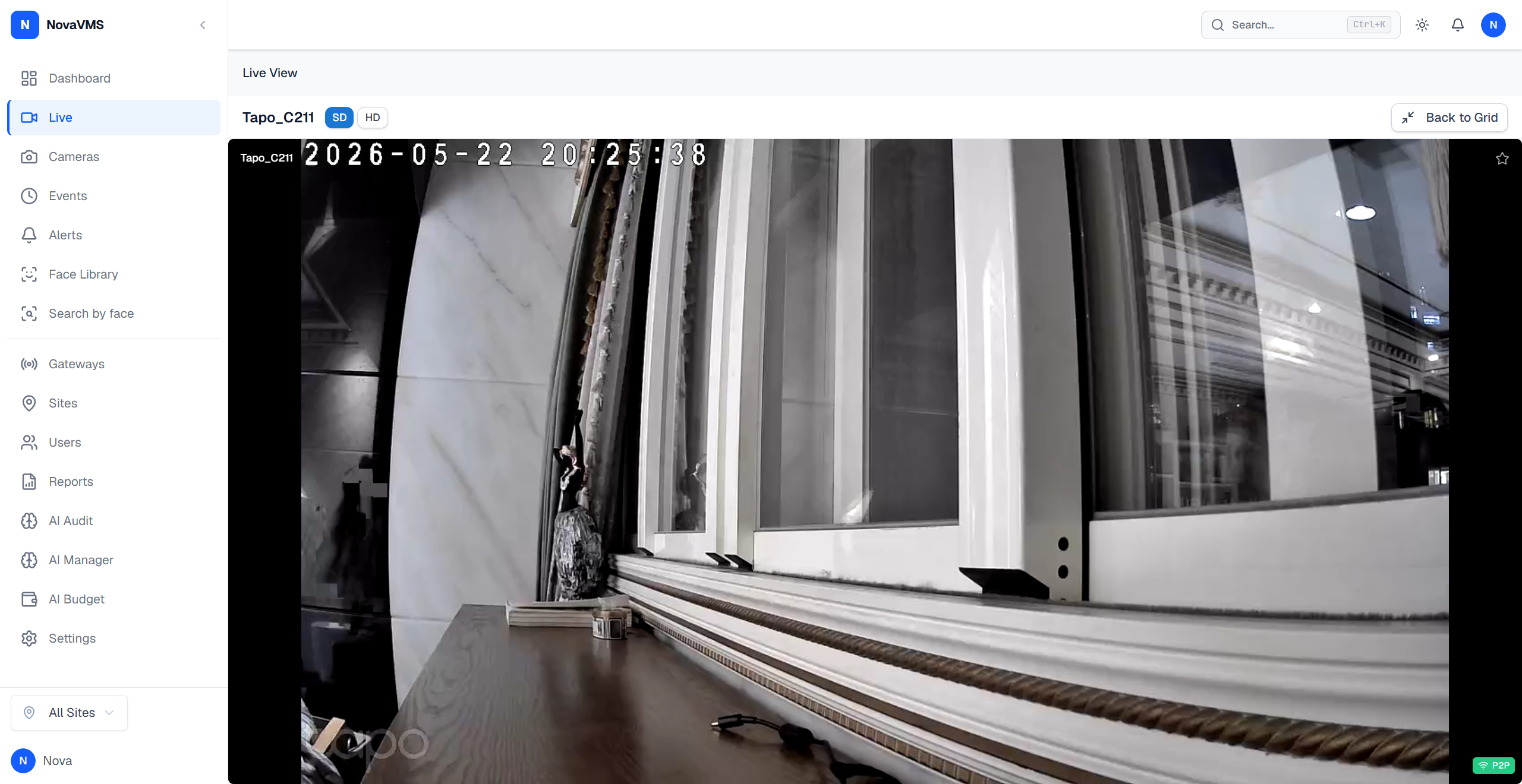
- Click any tile to expand it. Playback controls and the connection-quality indicator appear.
Common variations
- Audio per tile: click the speaker icon on any tile to unmute that one camera. Audio stays muted on other tiles.
- Stream tier: the grid uses sub-stream by default to save bandwidth. Expanded tiles switch to main stream automatically.
- Mobile or tablet: the grid collapses to 1x1 on screens under 768 px and disables auto-rotate.
If this didn’t work
- Tile stays black or shows “Connecting” for more than 10 seconds — see Live view shows a black tile.
- Grid dropdown is empty — you have not saved a grid yet. See Save a reusable view.
Related
- Save a reusable view — save your current layout and filters
- Why live uses WebRTC — background on P2P vs relay
- Supported browsers and codecs — H.265 and Firefox caveats