View billing and plan
Billing is Owner-only. Admins, Operators, and Viewers receive 403 on /owner/billing — this is enforced server-side by RequireOwner() middleware, not just hidden in the UI. An Admin who asks to see invoices needs a transfer of ownership in v1.
Procedure
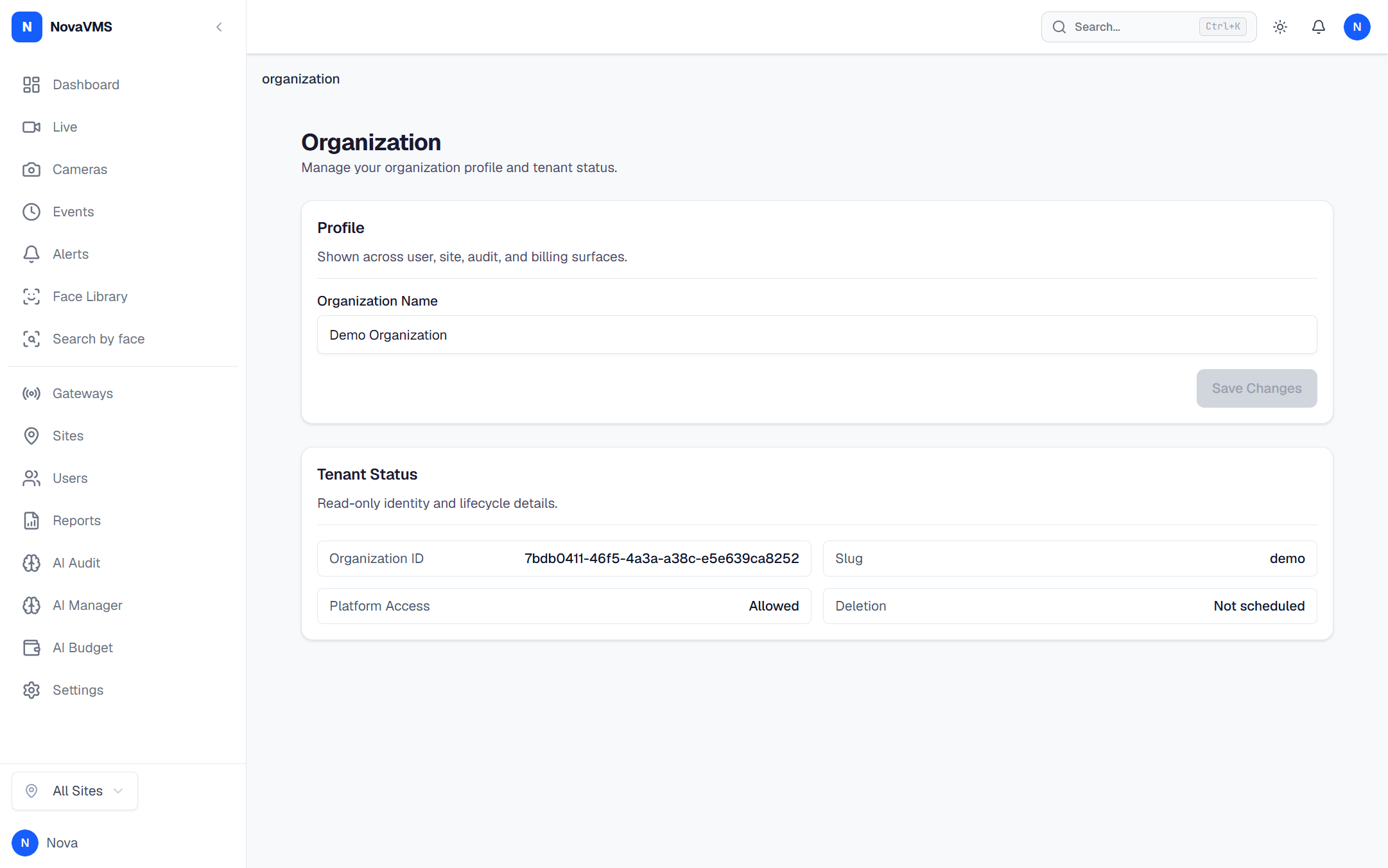
- Open Owner → Billing from the left nav.
- Review the Current plan card: plan name (
self-hosted), seat count, and feature flags.
The remaining sections below describe the v2 surface for reference only; they do not exist in v1 today.
v2 (planned, not in v1)
- Usage this period — cameras active, events generated, storage consumed, AI events billed.
- Payment method — last-4-digit masked card with Update button.
- Invoice history — date / amount / status table with Download PDF per row.
- Export invoice history to CSV — Export button at the top of the invoice table.
- Switch plan tier — Change plan inside the Current plan card.
- Billing failure notifications — email + in-app, owner-only.
- Read-only AI-cost line items — driven by your Configure AI feature toggles and pipeline settings (D82).
If this didn’t work
- If Owner → Billing is missing from your nav, you are not the Owner. Only one user per org holds Owner at any moment (D79). See Transfer ownership if you should be the Owner.
- If the page loads with 500, file a bug — the v1 placeholder should always succeed. The
RequireOwner()middleware is the only thing that should ever return 403 here.
Related
- Roles and permissions — why only Owner sees this page
- Configure AI — Admin capability that drives per-event AI cost
- LLM pricing — cost per event by provider and model