Disable a user
Disabling a user is a soft-delete: the account stays in the database, the audit trail stays intact, and every active session row is revoked within the same API call. Use this when someone leaves the team, when you suspect account compromise, or when you need to take an account off the platform without losing the audit trail.
Prerequisites
- Admin or Owner role. Operators cannot disable users.
- The user must not be the last admin-tier user (admin or owner) in the org. Last-admin protection blocks the disable with a 409. Owner counts as an admin for this check.
- The user must not be the Owner. To remove an Owner’s access, transfer ownership first.
Procedure
Step 1 — Open the Users page
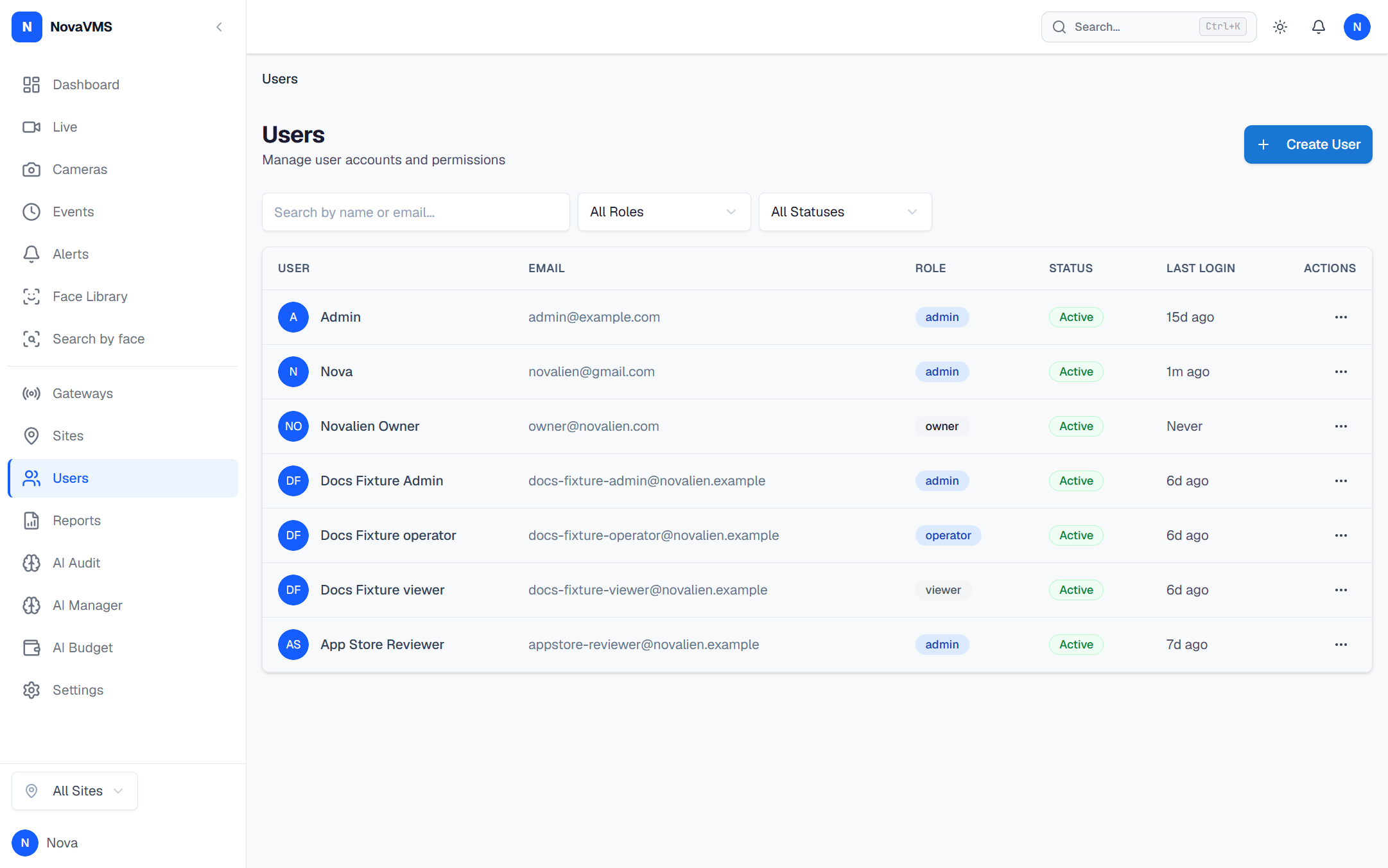
- Open Admin → Users from the left nav.
Step 2 — Disable the user
- Open the row menu (three-dot button) on the user you want to disable.
- Click Disable.
- Confirm in the dialog. The dialog states explicitly that every session will be revoked and the user will not be able to log in until re-enabled.
Verify
- The user’s row shows Disabled in the status column.
- The audit log (Admin → Audit Log) has a fresh
user.disabledentry attributed to you. - If the user attempts to log in, they see
Account disabled. Contact your administrator. - Any session the user held returns 401 on its next API call.
Common variations
- Re-enable later: open the same row menu and click Enable. A
user.enabledaudit entry is written. Existing sessions stay revoked — the user must log in fresh. - Delete instead of disable: there is no hard-delete UI in v1. Disable covers every normal offboarding case while keeping the audit trail defensible.
- Last-admin error: if the user is the only Admin left, the disable is rejected with 409 and the dialog shows “Cannot disable the only admin.” Promote another user to Admin first, then retry.
Related
- Review and revoke user sessions — revoke one session instead of disabling the whole account
- Reset a user’s password — for routine lockouts where disable is too blunt
- Roles and permissions — which roles can disable which users
- Audit actions — full list of
user.*log entries