Configure organisation profile
The Organisation Settings page in v1 covers the org profile: display name + the read-only Tenant Status panel (org ID, slug, platform-access state, scheduled-deletion state). The other policies you might expect from this name — default retention, default timezone, password complexity, MFA requirement — are not editable from this page in v1. Where they live:
- Retention is per-site, not per-org. Set it when you create a site (range 7–365 days, default 30) or edit a site’s detail page.
- Password complexity is fixed in v1 to “minimum 8 characters, maximum 128, not in a small common-password list, must not contain the user’s email local part.” There is no admin UI to change these constants.
- Timezone is per-site too — set it on the site detail page. There is no org-level default timezone in v1.
- MFA is deferred per D15. No toggle today.
- Platform-impersonation opt-out is owner-only and lives at
PATCH /api/v1/organization/impersonation-toggle— see the owner Danger Zone, not this page.
Procedure
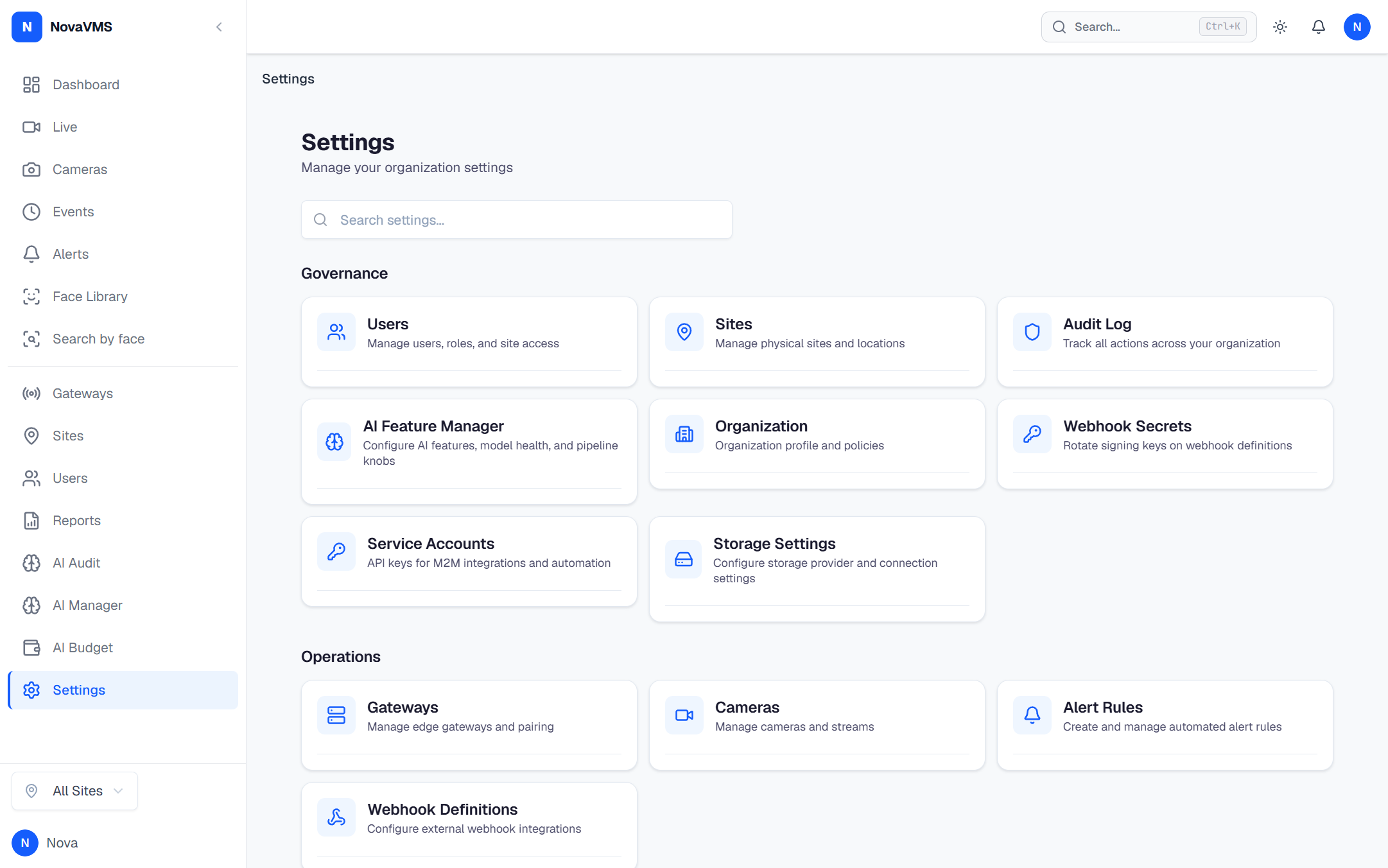
- Open Settings → Governance → Organization from the left nav (route
/admin/organization).
- Edit the Organization Name field. The slug below it is read-only.
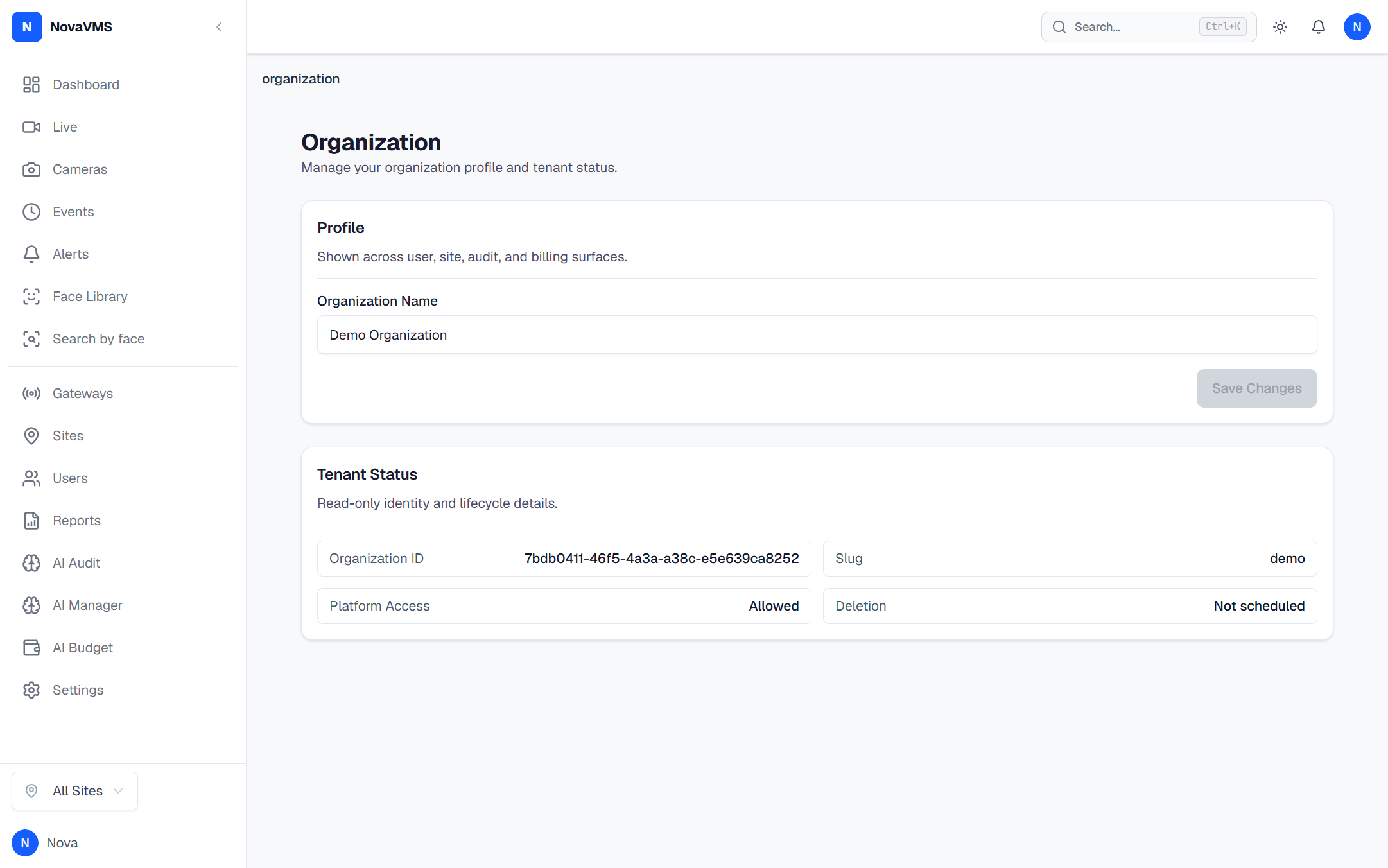
- Click Save Changes.
NovaVMS persists the change via PATCH /api/v1/organization. A toast confirms success. (No org.updated audit row is emitted in v1 — emitting that row is a roadmap item.)
Common variations
- Per-site retention. Open the site’s detail page and edit
retention_days(range 7–365). See Create a site. - Platform support access toggle (owner-only). Owners flip this at
Owner → Danger Zone; the toggle hits the dedicated endpointPATCH /api/v1/organization/impersonation-togglerather than this page’s PATCH.
If this didn’t work
- If Save Changes returns 403, your role is operator or viewer. Org profile edits are governance and are closed to operators and viewers by design (D81).
- If the page returns 404 or you cannot see the menu item, you may be on a deployment where the route guard rejects your role. Check that you’re signed in as admin or owner.
Related
- Create a site — set retention per site
- Governance vs operations — why admins own profile and operators own devices (D81)
- Roles and permissions — who can edit org settings