Manage service accounts and API keys
Service accounts authenticate machine integrations — recording exporters, alert consumers, ticketing bridges. Each service account holds one API key at a time; rotating the key generates a new secret and immediately invalidates the old one (there is no overlap window in v1). Plan rotations during a maintenance window for that integration.
Service accounts and API keys are a D83 feature. The UI lives at /settings/service-accounts (Settings → Governance → Service Accounts). In v1, only admins and owners can issue, rotate, or disable API keys (D81, D83 — key material is governance).
Service account model (v1)
| Field | Meaning |
|---|---|
| Name | Free-text label shown in the SA list and audit log. |
| Role | One of admin, operator, viewer. The SA inherits org-tier permissions of that role; the same RequireAdmin() / RequireOperator() middleware that gates human users gates SA traffic. |
| Site IDs (viewer-role only) | The set of sites the viewer-role SA can access. The API is fail-closed: cloud/internal/serviceaccounts/service.go:89 only writes site-access rows when len(req.SiteIDs) > 0, and cloud/internal/middleware/auth.go:87 only sets the SiteIDsKey on the request when the SA actually has site rows. A viewer-role SA created with an empty SiteIDs array has NO site access; the admin must explicitly list the sites to grant. This matches the human-viewer rule documented in prd-auth-users.md (viewer with no site rows = no access). |
| API key | Format sa_<8-hex-prefix>_<32-hex-secret>. Shown once at creation and at every rotation. NovaVMS stores only the prefix + bcrypt hash of the secret. |
| Status | enabled until you Disable. Disable revokes the active key and prevents new ones from being issued for that SA. |
Action scopes (events:read, cameras:trigger, etc.) described in D83 are NOT implemented in v1 — authorization is purely role-based. Future versions may add an action-scope field.
Procedure
Create a service account
- Open Settings → Governance → Service Accounts (route
/settings/service-accounts). - Click New Service Account.
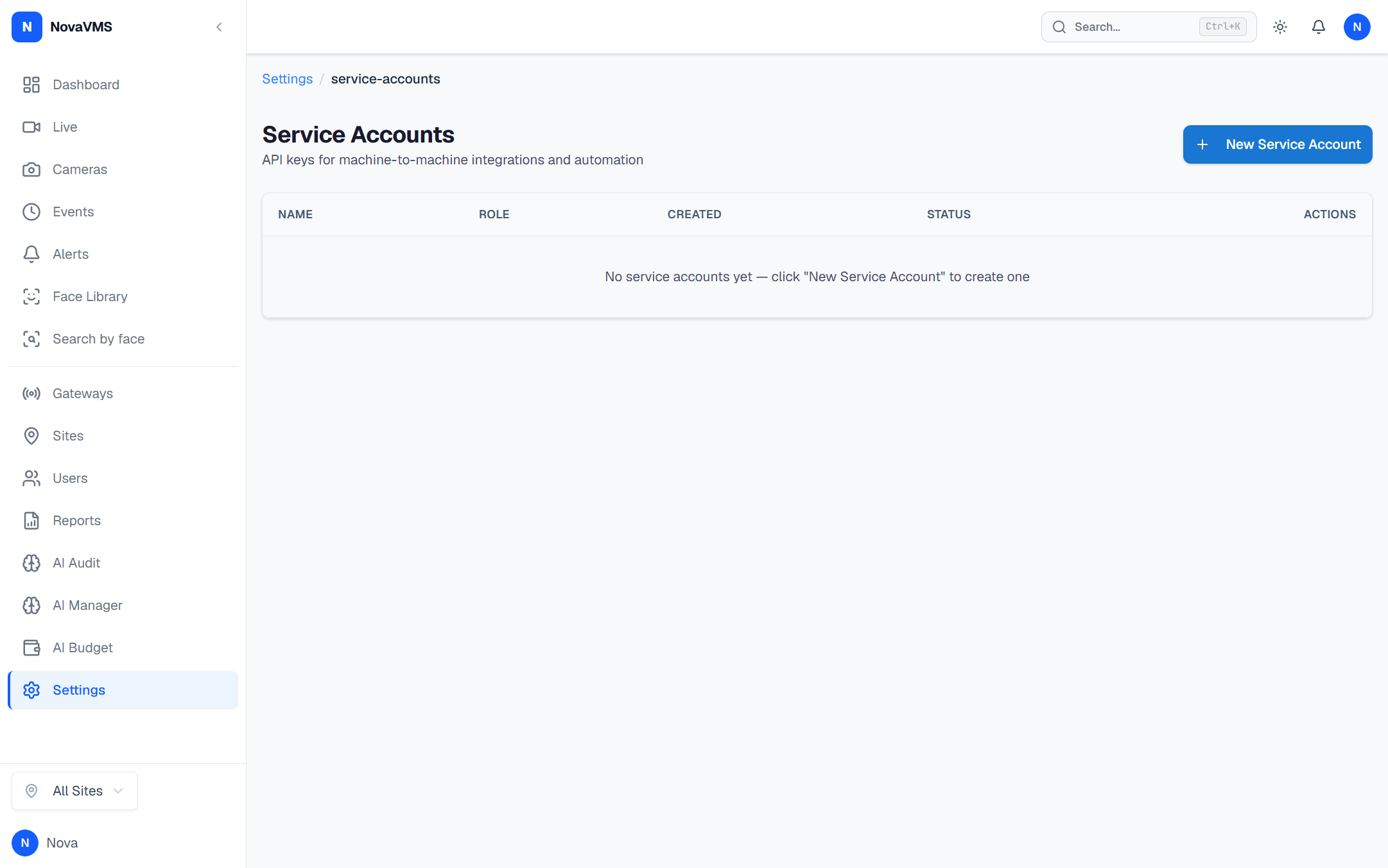
- Give the SA a Name and pick a Role. For viewer-role SAs, optionally tick which sites it may access (leave empty for every site).
- Click Create. The full key is shown in a one-time copy dialog with a 3-second “must copy” lockout — you cannot dismiss it until 3 seconds have elapsed. Copy the key into the integration’s secrets manager now.
The audit log records service_account.created with the actor user and the SA ID.
Rotate an API key
- Find the service account in the list. Click Rotate Key.
- Confirm in the dialog. The previous key is invalidated server-side BEFORE the new key is issued.
- The new key is shown in the same one-time copy modal. Update the integration’s secret store and restart it.
Audit log: service_account.key_rotated.
Disable a service account
- Click Disable on the SA row.
- Confirm. NovaVMS sets
disabled_at, revokes the active key, and the SA’sapi_key_hashno longer authenticates.
Audit log: service_account.disabled.
Update site access for a viewer-role SA
GET /api/v1/service-accounts/{id}/site-access returns the current site IDs. PUT /api/v1/service-accounts/{id}/site-access replaces them. Manual UI for editing site access post-creation is currently API-only — the create dialog is the most ergonomic path. Audit log: service_account.site_access_updated.
Common variations
- Emergency rotation (key is actively compromised). Disable the SA outright if you can survive integration downtime, or rotate immediately knowing the consumer will fail 401 until it picks up the new secret. Investigate exposure via
actor_type='service_account'rows in the audit log. - Scheduled rotation on a compliance calendar. Coordinate with the integration owner — they redeploy with the new secret during the rotation window. No grace-period support in v1.
- Gateway API keys. Gateway pairing keys (
api_key_hashon the gateways table) use a different flow — re-pair the gateway rather than rotating the key via this page. See the installer how-tos.
If this didn’t work
- Integration returns 401 after rotation — the consumer is still using the old secret. Confirm the new secret was deployed before triggering rotation; if not, the integration will be down until it’s updated.
- Rotate or Disable button is greyed out — the SA is already disabled, or you don’t hold admin/owner.
- Create / Rotate / Disable returns 403 — your role is operator. SA management is admin/owner-only per D81 and D83.
- One-shot copy modal closed before you copied the key — there is no recovery. Rotate again to generate a fresh one.
Related
- Audit actions —
service_account.*entries - Roles and permissions — who can issue, rotate, revoke keys
- Manage webhooks — sibling how-to for outbound webhook secrets