You can't sign in
Symptom
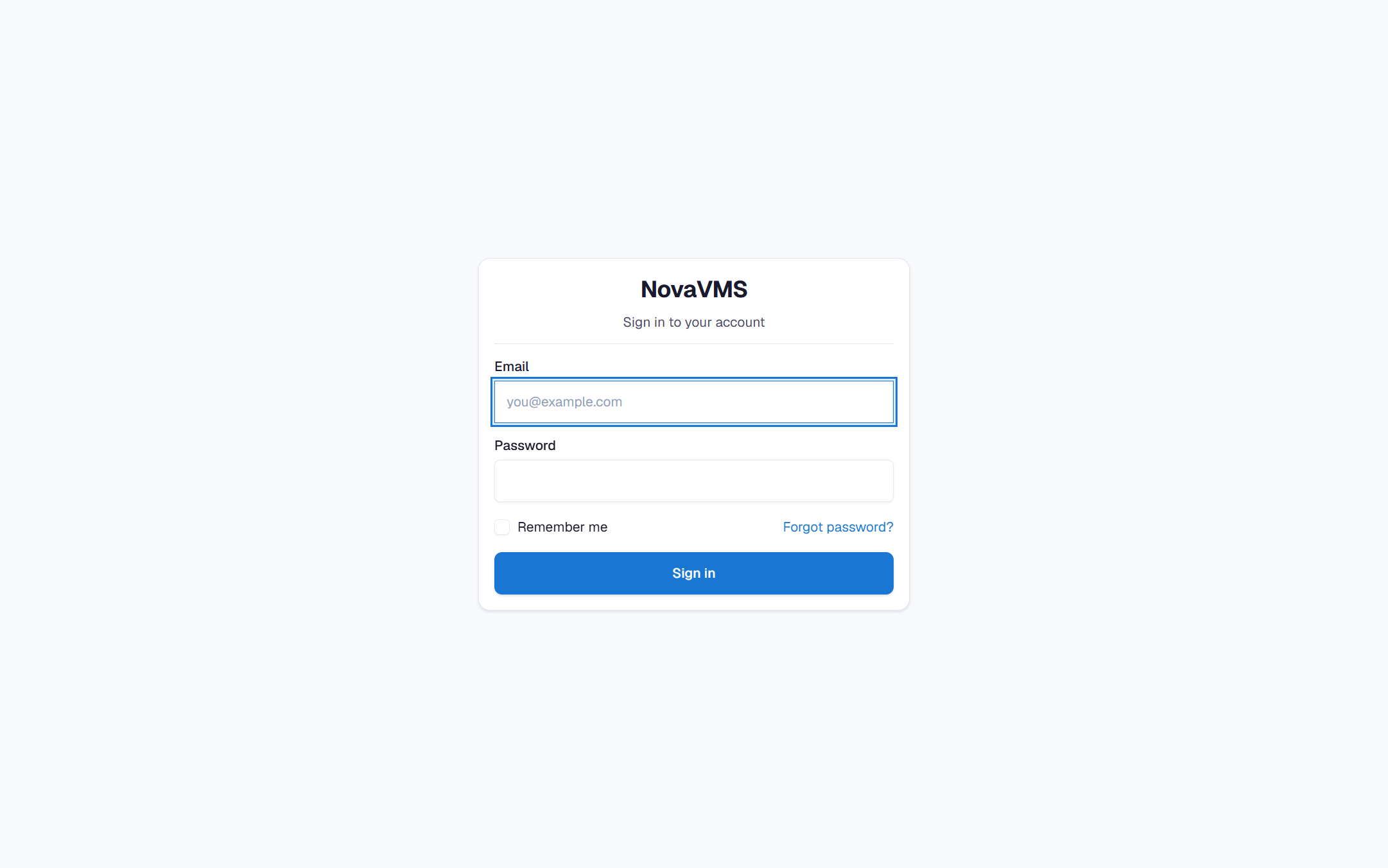
You type your email and password on the login page and one of these happens:
- Invalid email or password.
- Account temporarily locked. Try again in {minutes} minutes.
- Account disabled. Contact your administrator.
- Session expired. Please log in again. (you get kicked straight back to login)
Likely causes
- Wrong password. Five failed attempts within 15 minutes triggers a 15-minute lockout (PRD auth-users §1.1).
- Your account is disabled. An admin disabled the account (off-boarding, compromise, or by mistake).
- Email typo. You’re typing a slightly different address than the one on your record — an extra dot, the wrong domain, a capital where your email has lowercase.
- SSO misconfig or missing SSO login. If your org uses SSO and you’re hitting the password form directly, you may be on the wrong login path.
Fix
If you see “Invalid email or password”
- Verify the email — copy it from the welcome email into the login field to rule out a typo.
- Try Forgot password? on the login page. You’ll get a fresh reset link within a minute (1-hour expiry).
- If you exhausted 5 attempts, you are now locked out — see the next section.
If you see “Account temporarily locked”
- Wait 15 minutes. The lockout clears automatically.
- In the meantime, use Forgot password? to set a new password. A successful password reset also clears the lock.
- If you keep locking out every 15 minutes, your password manager is probably auto-filling a stale value. Disable auto-fill for this site, reset the password, and try again.
If you see “Account disabled”
Only an admin can re-enable your account.
- Contact your admin and tell them which email is showing the error.
- Your admin opens Admin → Users, finds your row, and toggles the Enabled switch back on. Any active sessions were revoked when the account was disabled, so you will need to log in fresh after enable.
- If you are unsure who your admin is, check the welcome email — it was sent by the admin who invited you.
If you think your email is typed wrong on the backend
Ask your admin to open Admin → Users and read your email back to you character by character. A single wrong character (for example gmail.co vs gmail.com) means every invitation and reset goes to a dead inbox.
If your org uses SSO
You may be on the wrong login URL. Ask your admin for the exact SSO start URL — signing in through the generic email/password form will fail for SSO-only accounts.
Verify
- You land on the dashboard without a redirect back to
/login. - The top-right avatar shows your display name.
- Reloading the page keeps you signed in.
If none of this worked
Collect the exact error message (including any minute count), the time you tried, and your email address. Open a ticket at support.novalien.com. Your admin can also check Admin → Audit log for user.login_failed or user.lockout entries on your user ID — those confirm the backend received the attempt.
See also:
- Invitation email didn’t arrive
- Invitation link says “Link expired”
- Reset a user’s password — for admins helping a user